Potential clients often want to see backdrop options before they commit to booking. Instead of describing your backdrops over email or directing everyone to your full online booking flow, you can share a standalone gallery that showcases your collection without any booking pressure.
You have two ways to share your backdrop gallery: a direct link you can send via email or text, or embed code to display the gallery directly on your website.
Manage → Website Integration
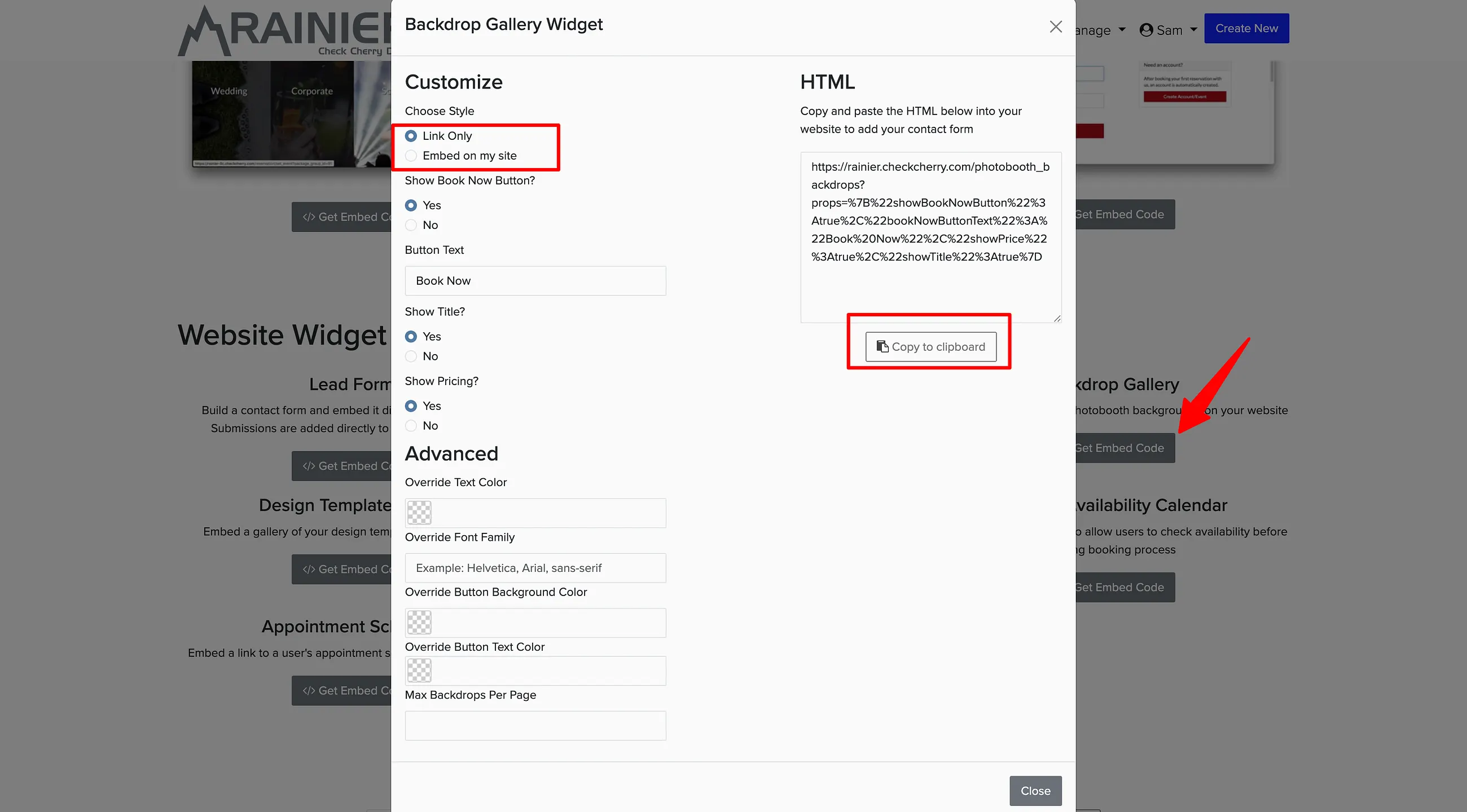
Go to Website Integration.
Select Backdrop Gallery.
Choose how you want to share it: Link only (sends a direct link to your gallery) or Embed code (displays the gallery on your website).
Copy the link or embed code and share it with potential clients.
The embedded gallery looks professional on your website and lets visitors browse at their own pace. A direct link works great for quick sharing via email or social media.