Transitioning from another platform can be daunting, especially when it comes to migrating your data. Our account migration service helps you move your bookings, leads, and contacts from other platforms into Check Cherry.
This is a one-time service for new accounts migrating from other software. It is not intended for ongoing bulk imports such as recurring lead imports.
How It Works
- Send us your files — Email your data to support@checkcherry.com. Include a brief description and any special considerations (e.g., whether users should receive automated messages).
- We review your data — Our team reviews your files to make sure we have everything needed. If we have questions, we'll reach out before moving forward.
- We import your data — We write a custom script to import your files into your Check Cherry account, making sure everything is accurately transferred and properly formatted.
- You verify — Once the migration is complete, we'll notify you. Review your account to make sure everything looks good. If you notice any issues, reach out and we'll fix them.
What to Send
Please provide your data in common file formats like CSV or Excel. If your data is in another format, we'll do our best to accommodate but may not be able to.
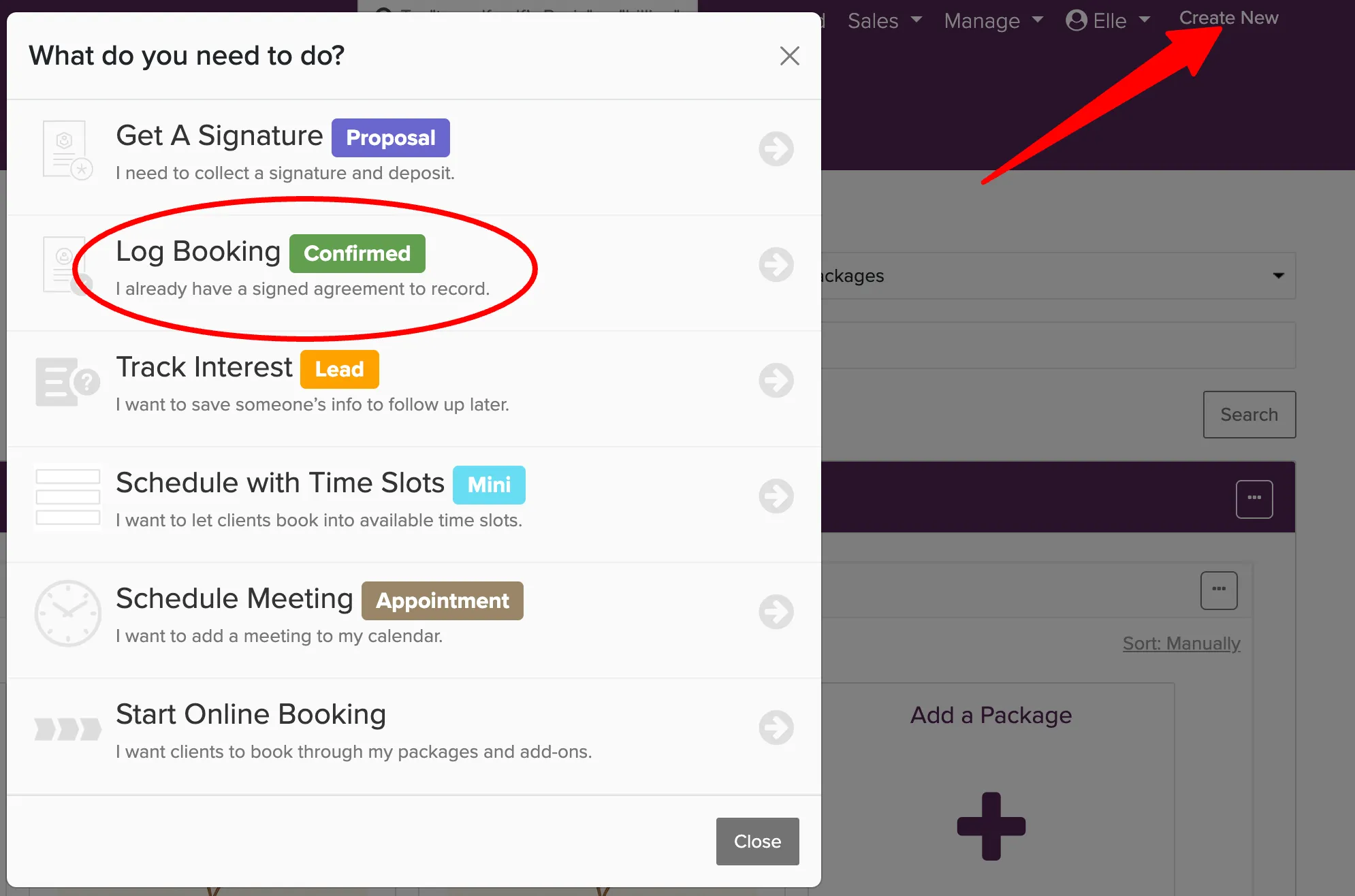
If you have fewer than 100 leads or bookings to migrate, it may be faster to enter them manually. Click Create New in the top nav to add bookings or leads one at a time.
Ready to migrate? Chat with us from within your account to get started.
Important Notes
- One-Time Migration: This service is intended to help with migrating data from other software platforms and is offered as a one-time operation. It is not designed for bulk importing leads or other data on a recurring basis.
- Data Format: To make the process as smooth as possible, please provide your data in common file formats (such as CSV or Excel). If your data is in another format, we will do our best to accommodate but may not be able to.
Once you’re ready to migrate your data or have any questions, feel free to contact us at support@checkcherry.com. We’re here to help you get started with Check Cherry!