Sometimes you need to permanently remove a booking — maybe it was a test, duplicate, or mistake. Here's how to delete it completely.
Sales → Bookings
Click on the booking you want to delete.
Click the status button at the top of the booking.
Select Permanently Delete from the status menu.
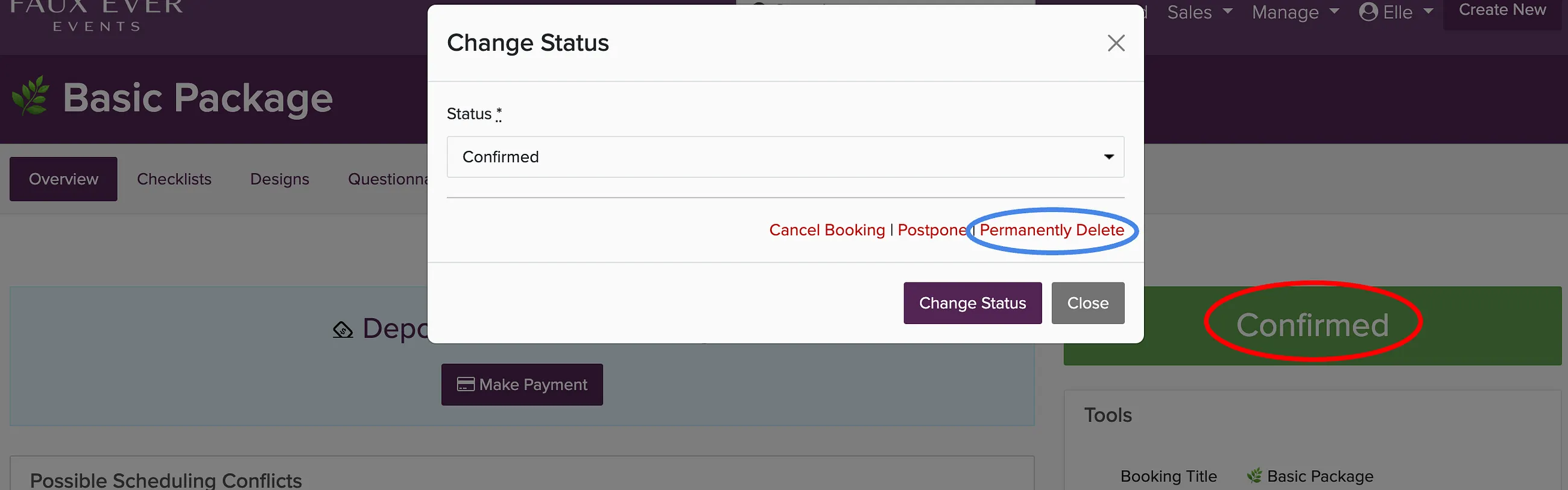
Deleting is permanent and cannot be undone. If you want to keep the record but free up the date, change the status to Cancelled instead.
You can also find bookings through Proposals if they started as a proposal that was accepted.