Event is next week and you are not sure if the client paid the balance. The Outstanding Balance report shows every booking with money still owed, so you can follow up before the event date.
Reporting → Outstanding Balance
Go to Outstanding Balance.
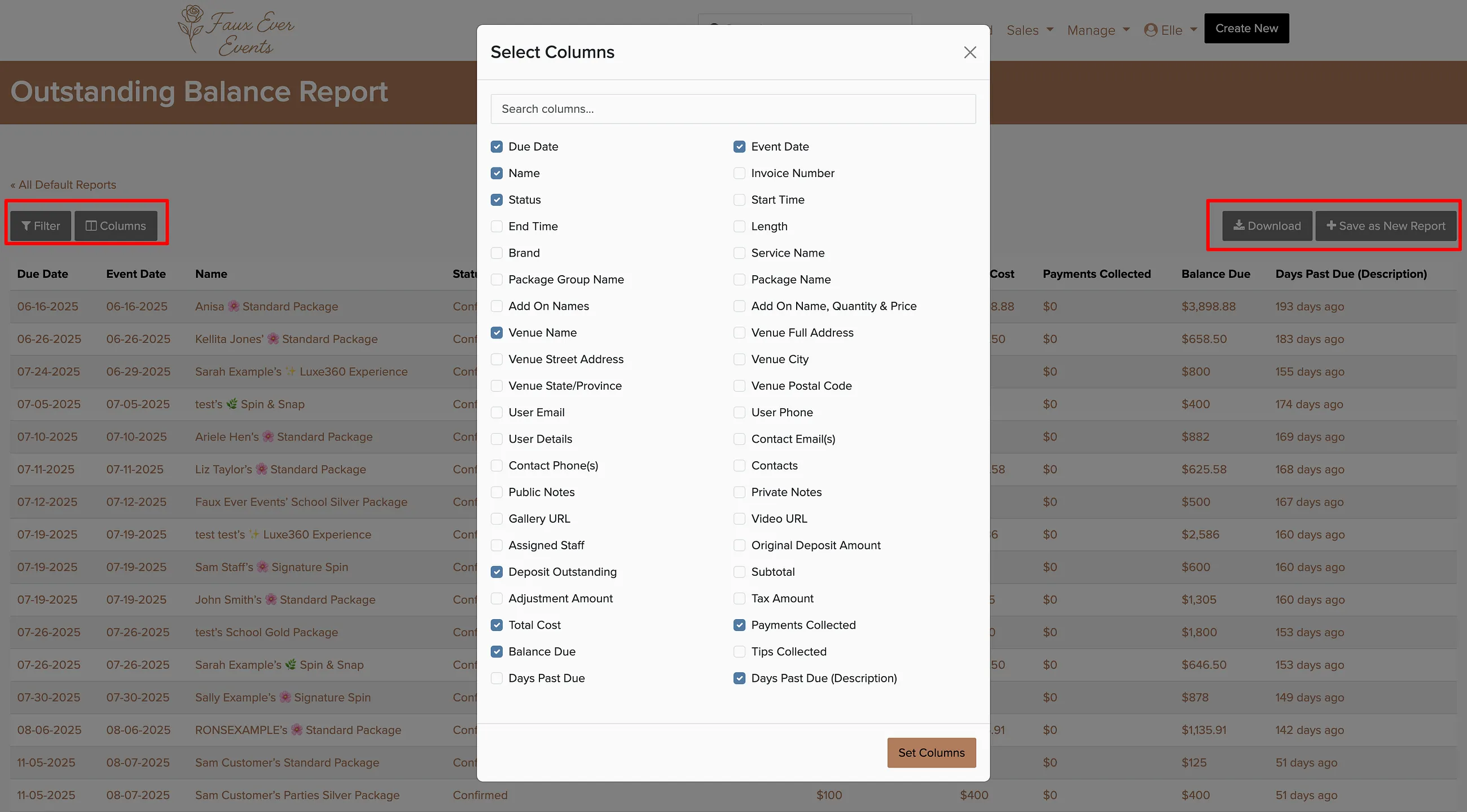
Click Columns to customize which information you want to see.
Use the Filter button to narrow results by date range, brand, or amount owed.
Download the report as a spreadsheet or save it for future use.
Save this report and schedule it to be emailed weekly so you never miss an outstanding balance. Most businesses check this report 2-3 days before each event.