A client's final balance is due and they already have a card on file from their deposit. You can charge it without asking them to enter their card details again.
How to charge a saved card
Sales → Bookings
Go to Bookings.
Click on the booking.
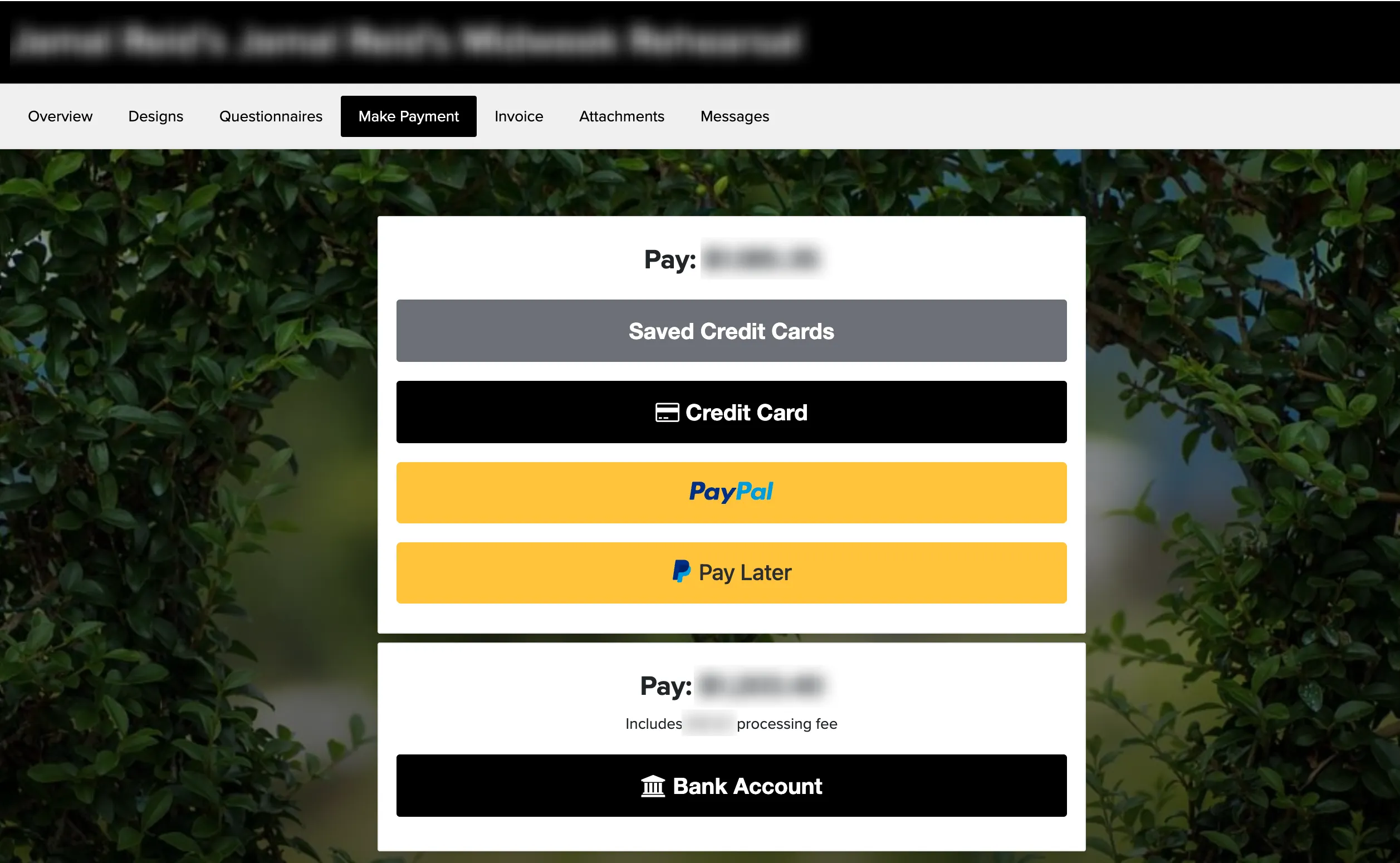
Go to the Make a Payment tab of the booking.
Click Make Payment.
Select the saved card from the dropdown at the top of the payment methods list.
Enter the amount and process the payment.
The cardholder will automatically receive a receipt when you process the payment. For details on how cards get saved, see saved payment info.