Sometimes you need to hide packages from clients — maybe it's off-season for a service, or you're still configuring a new package. You can deactivate entire services, package groups, or individual packages.
Manage → Packages
Deactivating a Service or Package Group
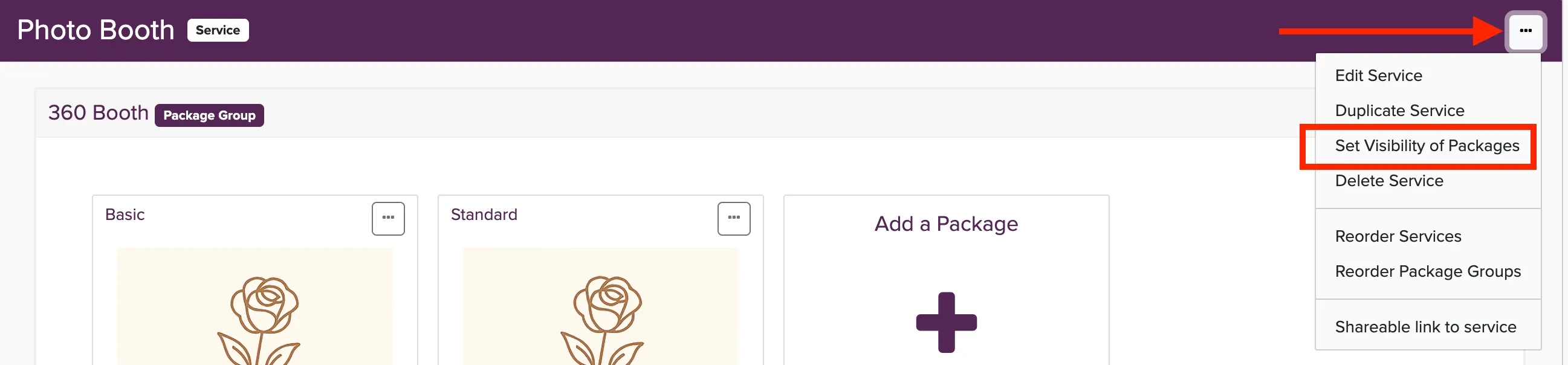
To hide an entire service or package group from clients, click the menu button in the service or package group title bar. This allows you to set visibility for everything in that section.
Deactivating Individual Packages
To hide a specific package, click the menu button on the package and change the visibility to Private or Archived.
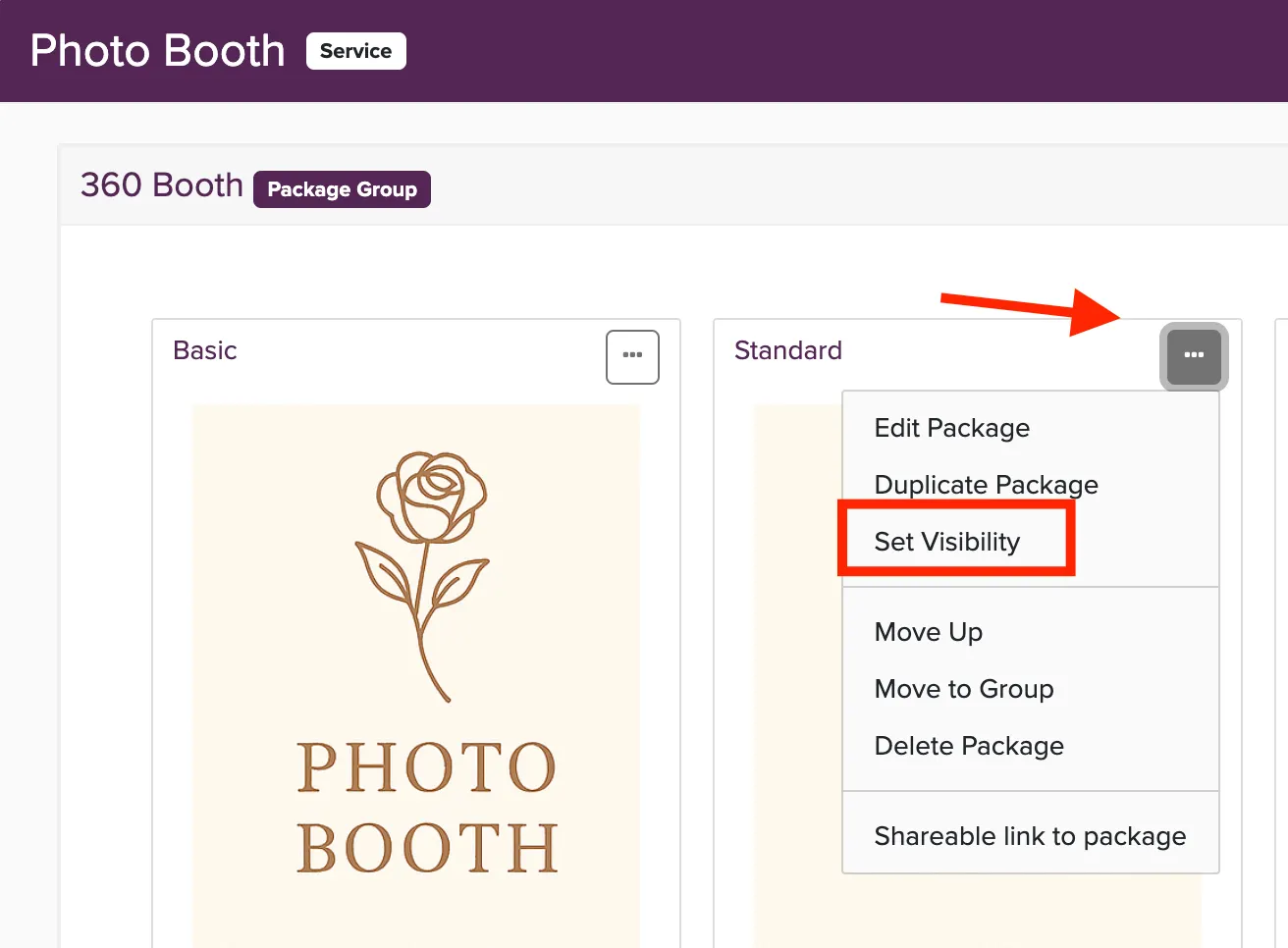
Private packages are hidden from online booking but can still be manually added to bookings and proposals. Archived packages are completely hidden and cannot be used anywhere.