Built a new package and want another one just like it with a few tweaks? Duplicate it instead of creating from scratch. And if you have packages from years ago that you no longer offer, delete or archive them to keep things clean.
Duplicating packages
Click the duplicate button on any service, package group, or package to create a copy with all its settings. The duplicate button appears on the right side of service and package group title bars, and at the bottom of individual packages.
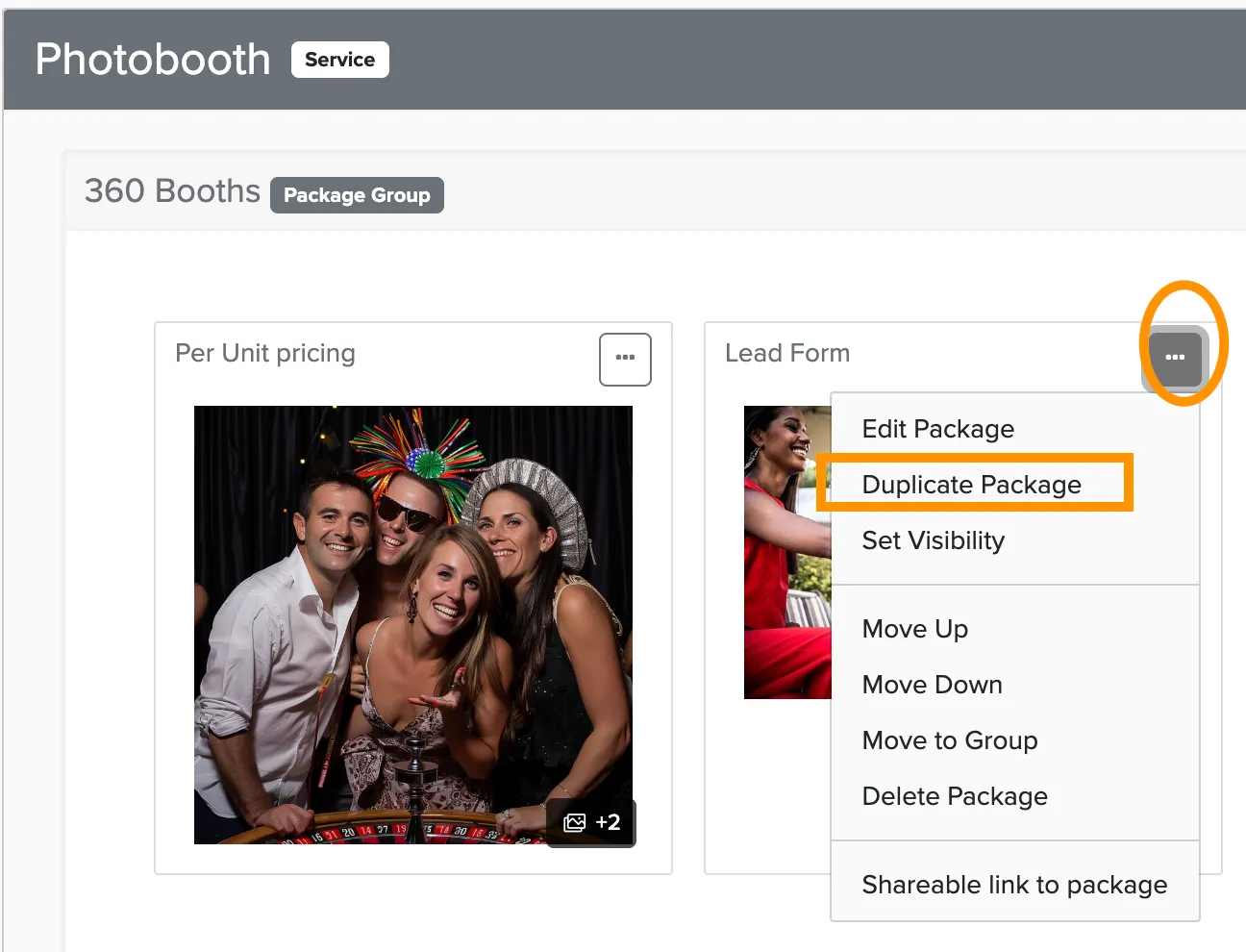
- Duplicating a service copies the service, its package groups, all packages, and all settings.
- Duplicating a package group copies the group, its packages, and all settings.
- Duplicating a package copies just that package and its settings.
Deleting packages
To delete a service or package group, click the settings gear in the title bar and scroll to the bottom of the settings screen. You'll find the delete link in the lower right corner.
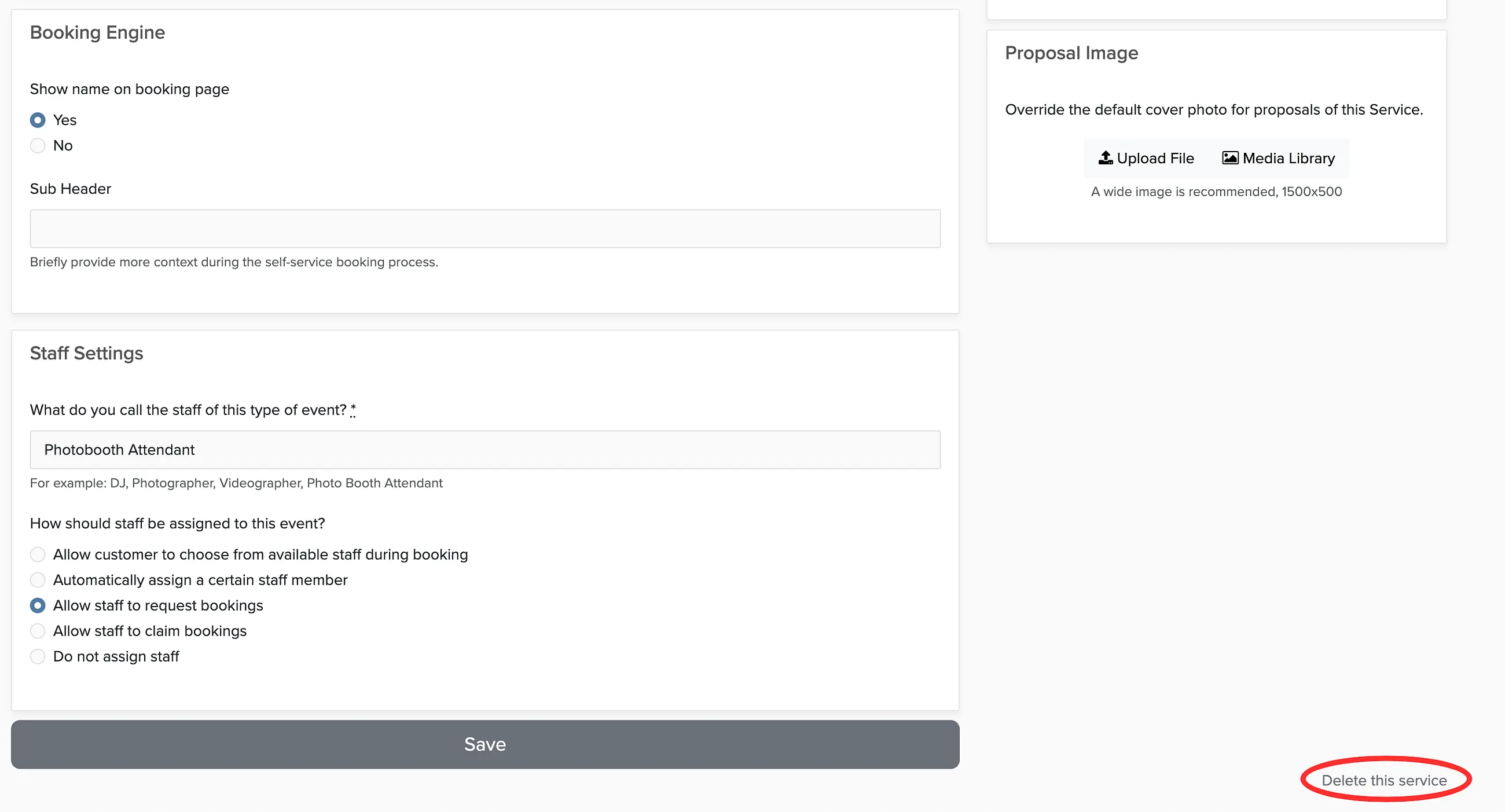
To delete an individual package, open it from the package manager and click Delete Package on the right side.