Sometimes clients need a PDF copy for their records, or a venue requires a printed proposal for their files. You can generate both directly from any proposal.
Getting to the Preview
Open the proposal you want to download or print.
Click the Preview button in the blue banner at the top.
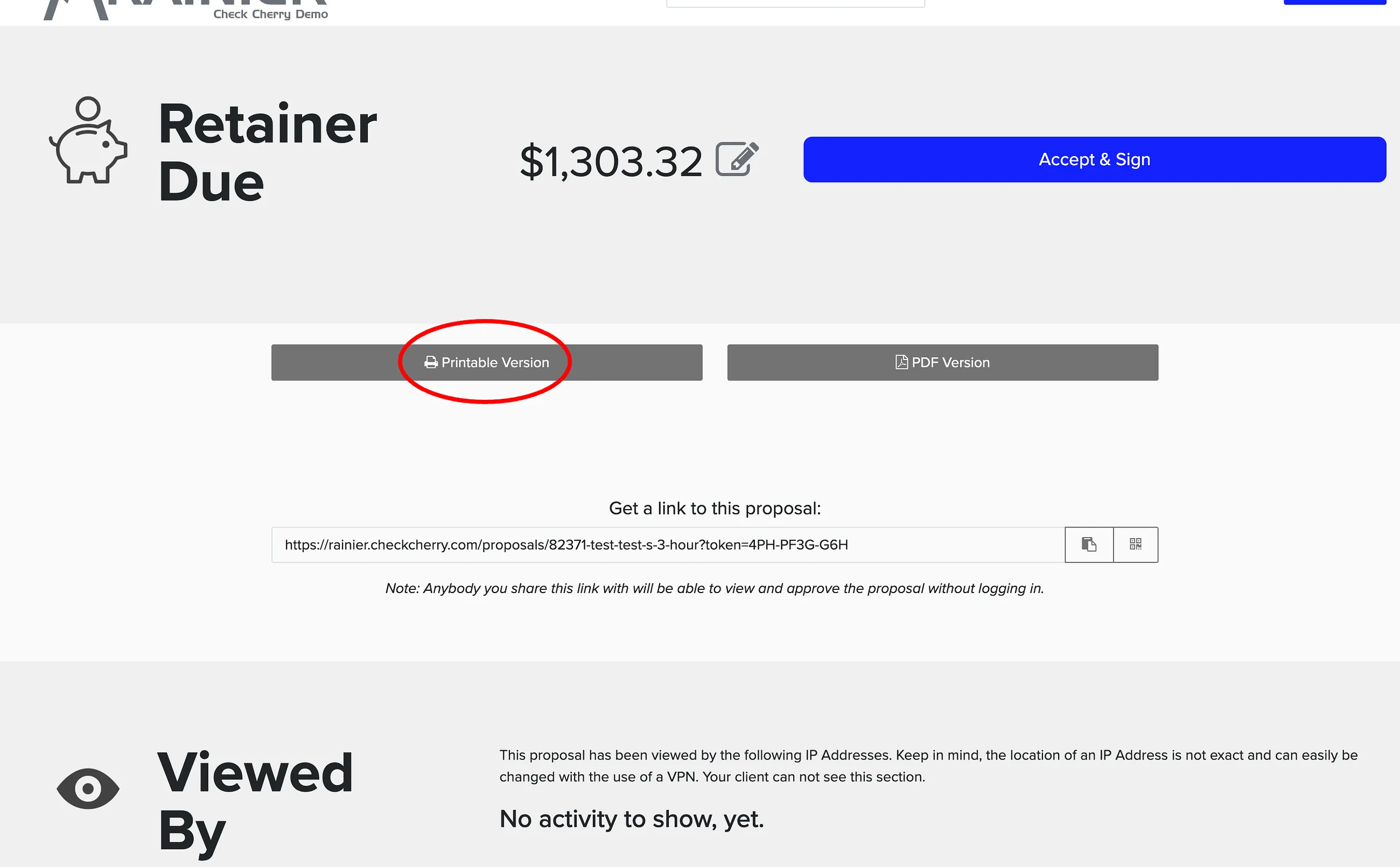
Select the Print or PDF button at the bottom.
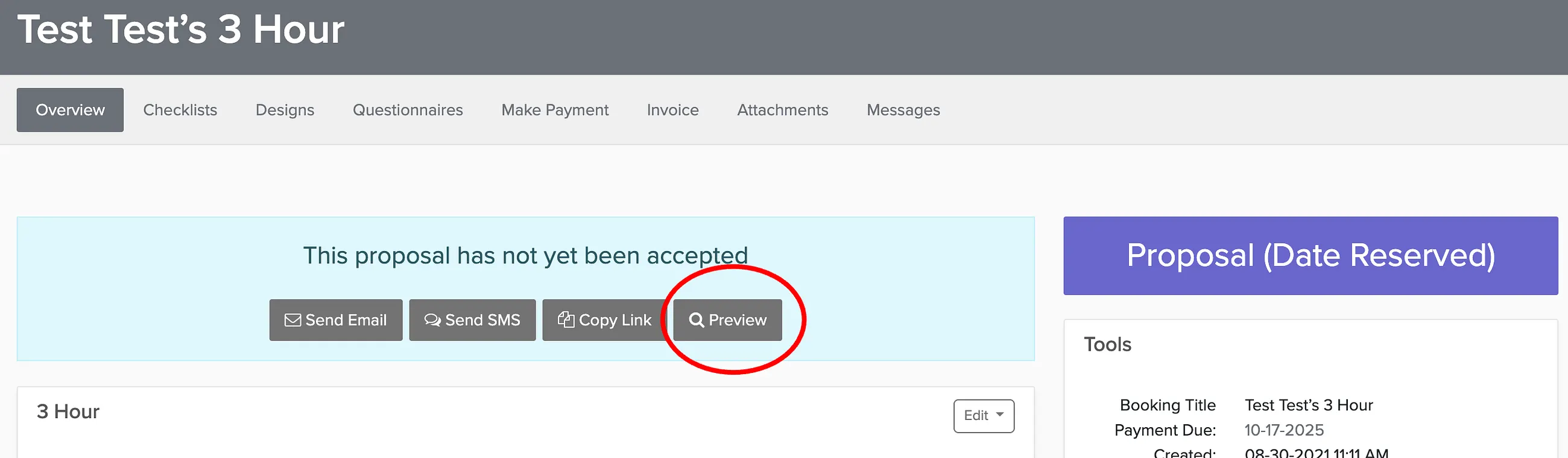
The preview shows you exactly what your client sees.
Choosing Your Format
At the bottom of the proposal preview, you'll see two options:
- PDF Version — Clean digital copy with your branding and package details
- Printable Version — Includes signature lines for both you and your client if counter-signing is needed
Use the Printable Version if you need both signatures on paper. Use PDF Version for client records or venue submissions where signatures aren't required.