When a client pushes back on one of the options you sent, you don't need to rebuild the proposal from scratch. You can remove an individual alternative and leave the rest of the proposal intact.
Proposals → Select a proposal
Open the proposal you want to edit.
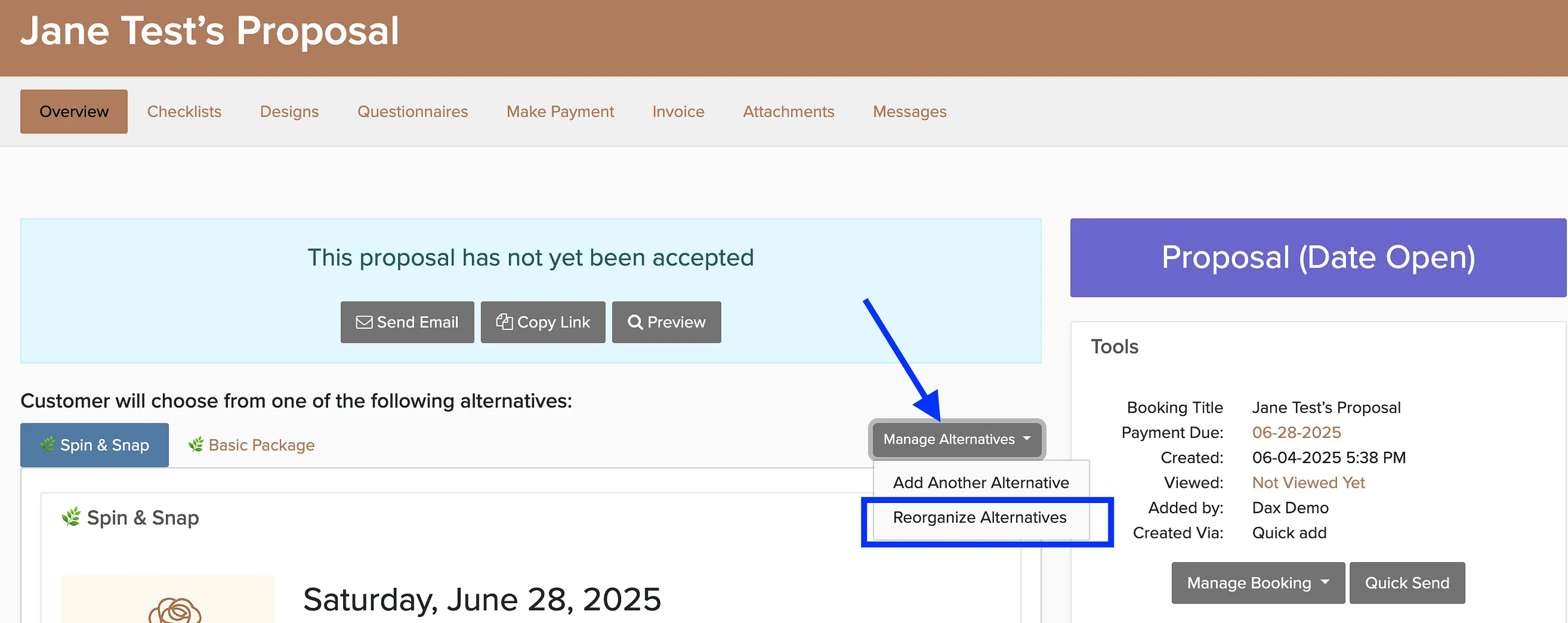
Click Manage Alternatives.
Click delete next to the alternative you want to remove.
Save your changes.

You can find any proposal quickly by typing the client name or event details into the global search bar at the top of the app.