If you accept checks, clients need to know where to mail them. Add your mailing address and instructions to your check payment method so it shows up on their payment page.
Manage → Payment Settings
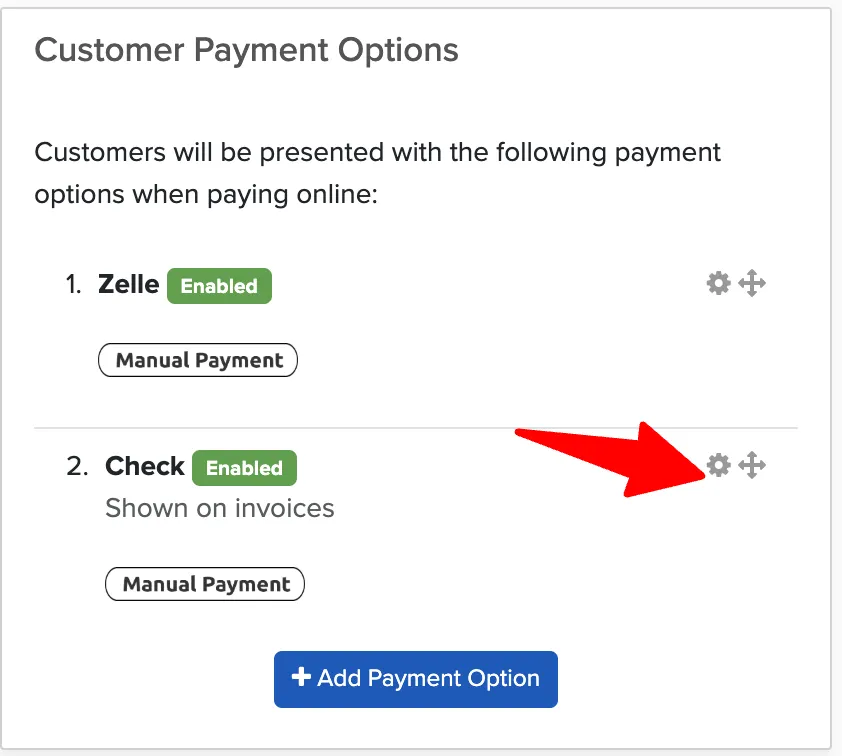
Click the settings gear next to the check payment method.
Enter your mailing address where clients should send checks.
Save your changes.
This information will appear when clients select check as their payment method, giving them clear instructions on where to mail their payment.