The Package Manager shows your packages in a nested tree format. If you need a flat list of everything with booking data, the Packages & Add-ons report gives you exactly that.
Reporting → Packages & Add-ons
Go to Reports.
Click the Packages & Add-ons report.
Click the Columns button to choose what information to include in the report.
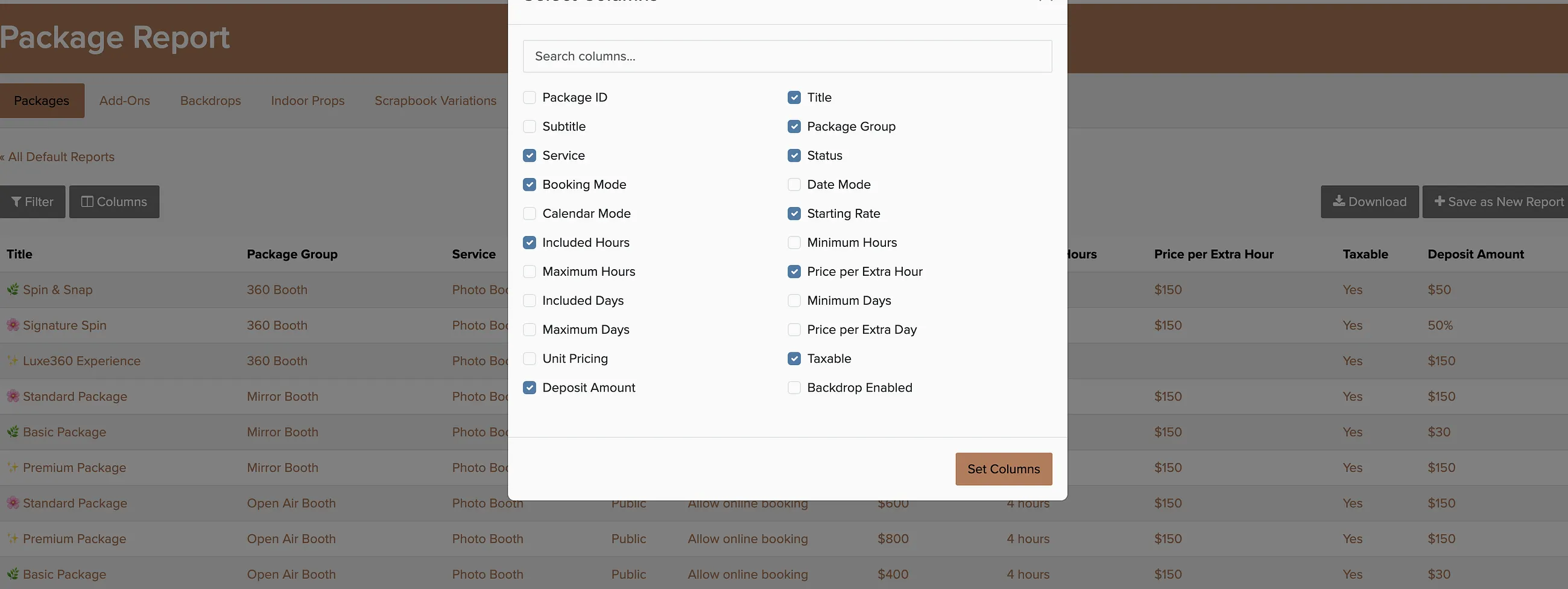
You can view different types of items by choosing the appropriate tab at the top — packages, add-ons, backdrops, or extra categories. Each tab shows how many times each item was booked, along with any other columns you've selected.
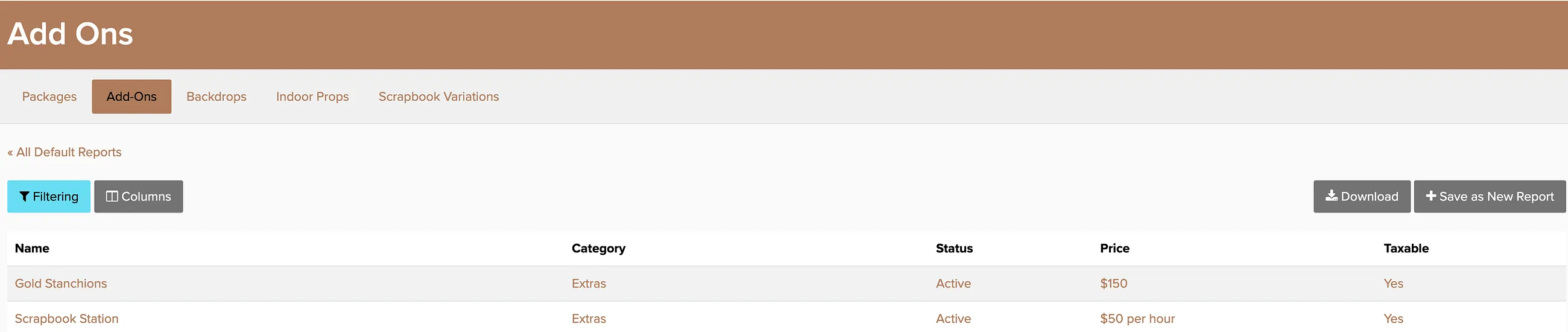
This report is useful for seeing which packages are popular and which ones might need better positioning or pricing adjustments.