Changed something on a booking and wish you hadn't? Check Cherry keeps an activity log on each booking showing almost every change, who made it, and when. You can't undo with one click, but you can see exactly what changed and correct it manually.
Sales → Bookings
Find and open the booking.
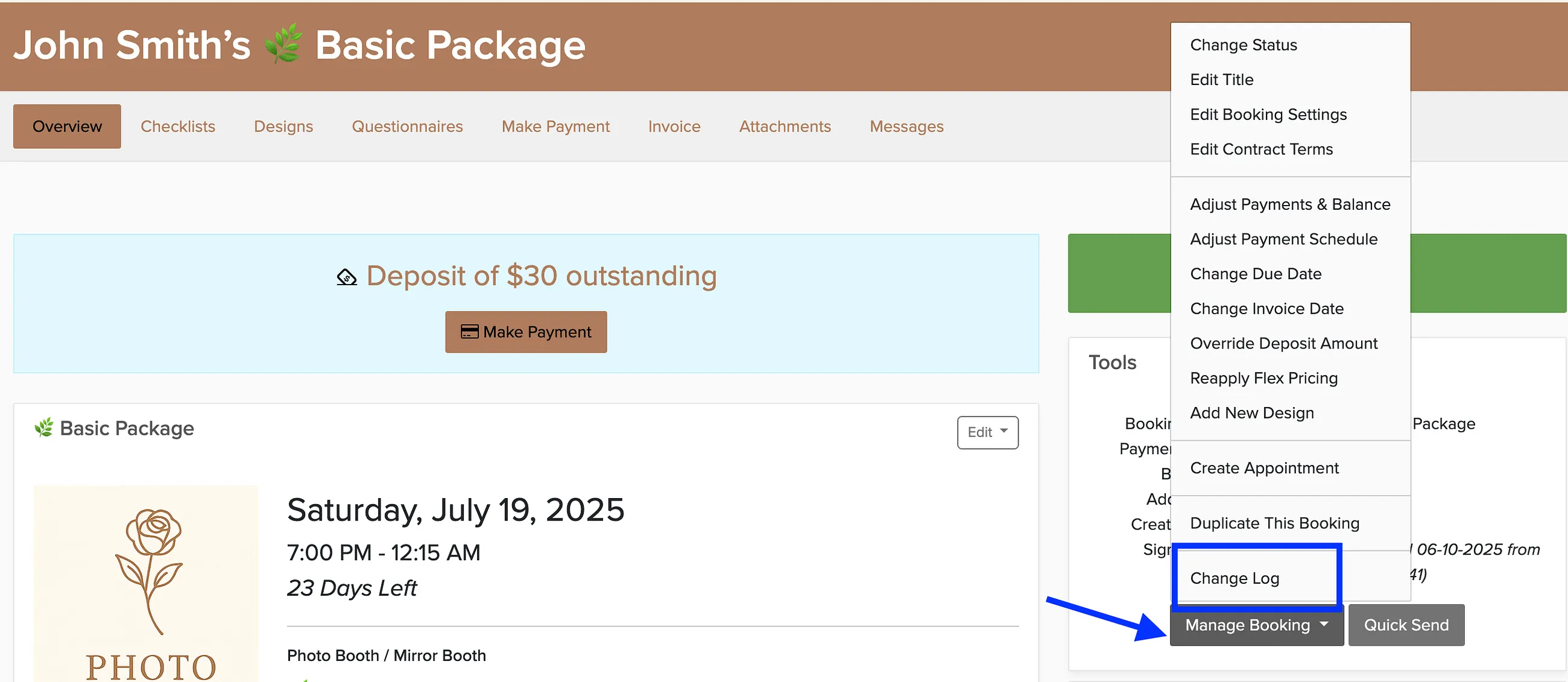
Click Manage Booking.
Select Change Log.
The change log shows most modifications with timestamps and user details. Use this information to identify what needs to be corrected, then make the adjustments manually in the booking details.
The same steps work for proposals — click Manage Booking and select Change Log.