Whether you're updating your website, posting on social media, or replying to an inquiry, you'll need a link to your booking page. You can share your full booking page or link directly to a specific service or package to skip the browsing step.
Full Booking Page Link
The link to your complete booking page is at the bottom of the Package Manager. This takes clients to the start of your booking flow where they can browse all your public packages.

Link to a Service
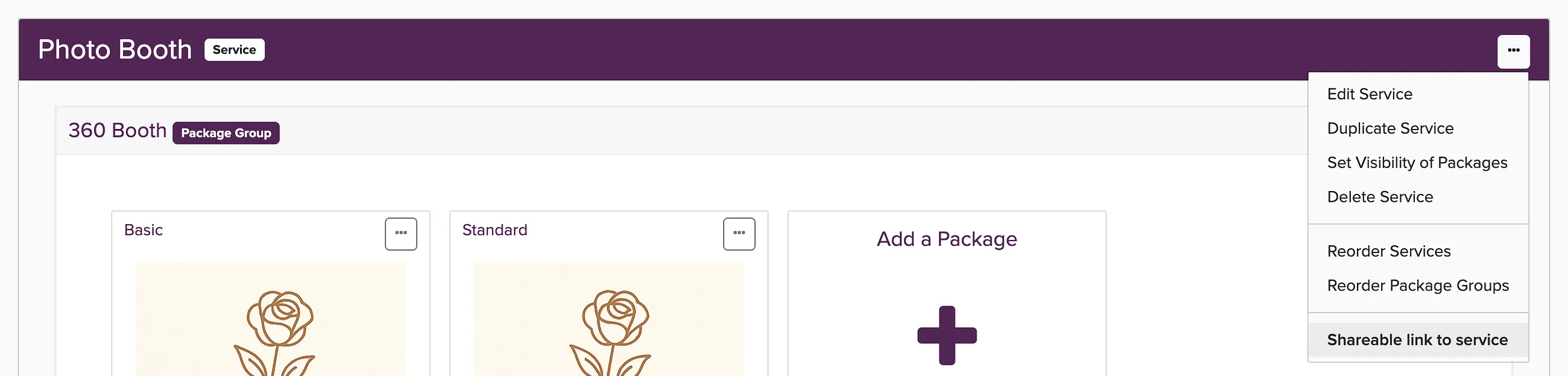
To send clients directly to a specific service, open the three-dots menu on the right side of the service bar and choose Shareable link to service.
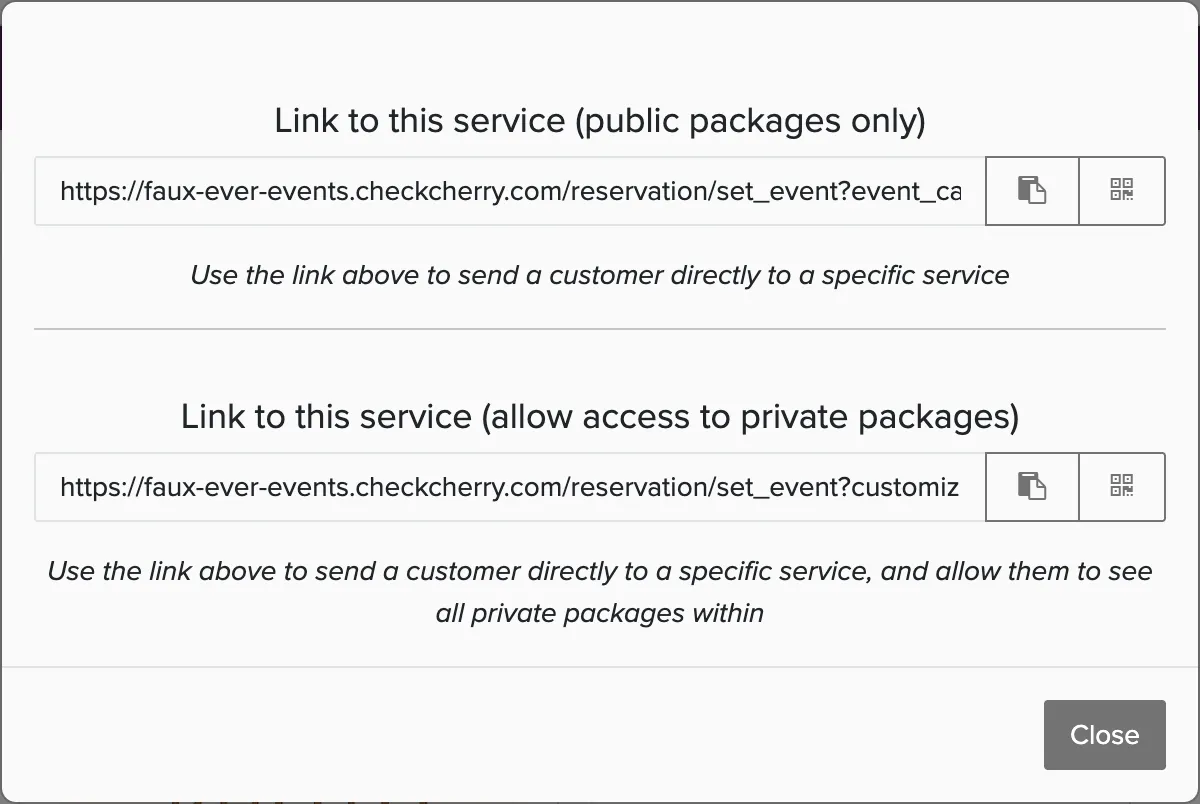
You'll see options for public packages only, or both public and private packages within that service.
Link to a Package Group
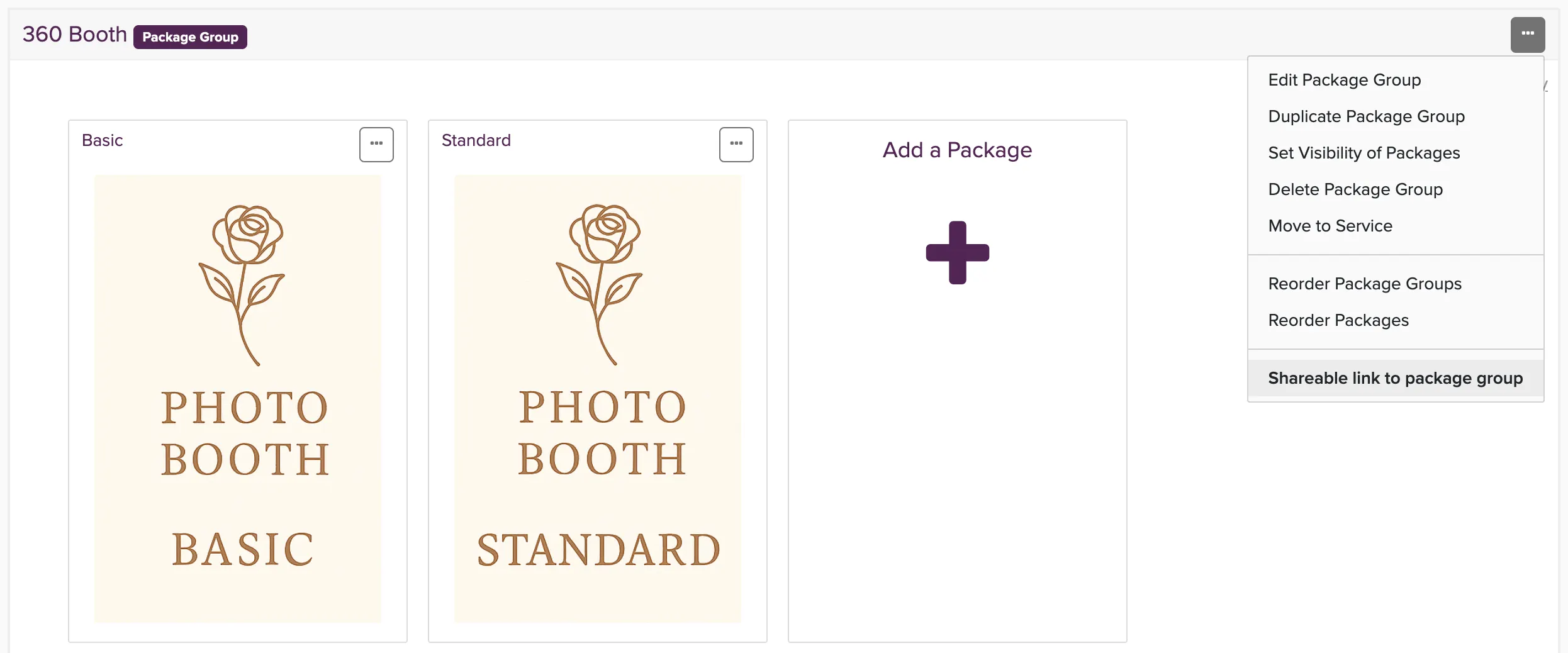
Open the three-dots menu on any package group and choose Shareable link to package group. Like services, you can choose to include only public packages or both public and private packages.
Link to a Specific Package
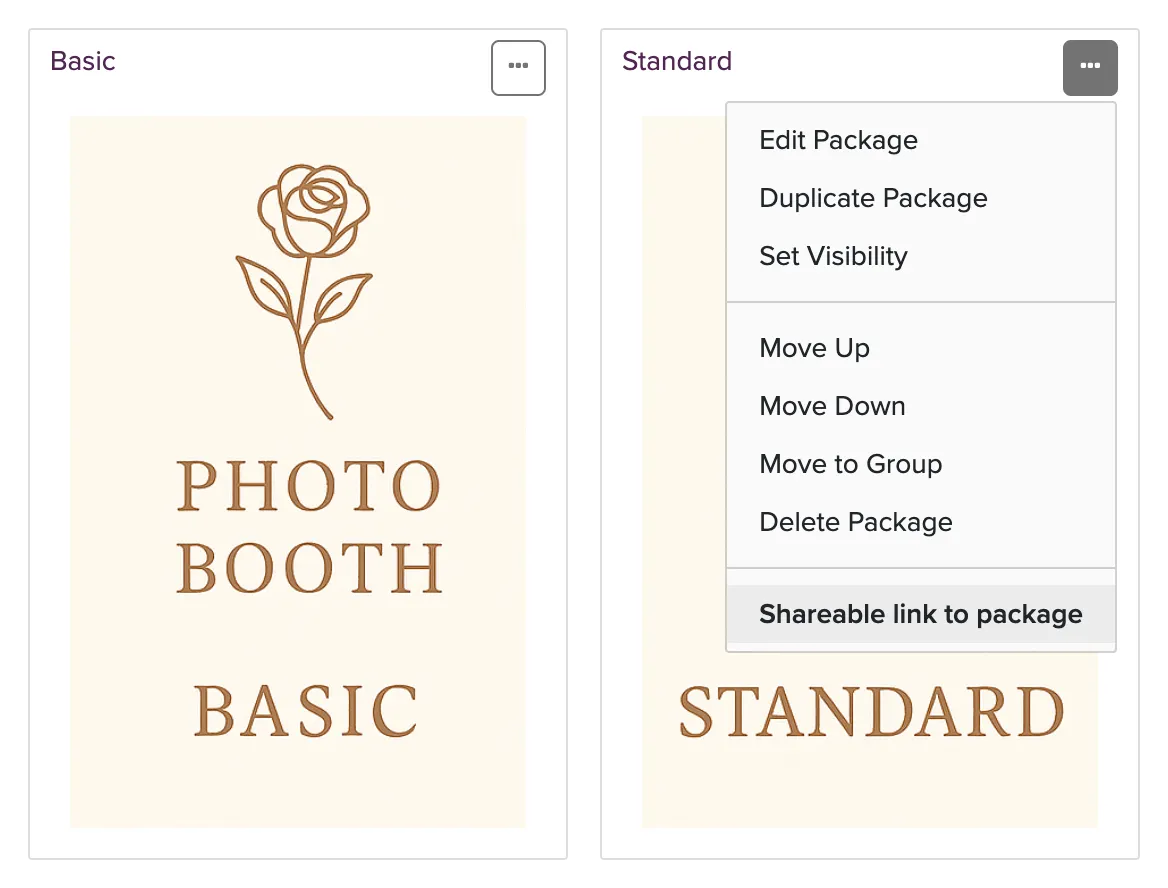
For the most direct path, open the three-dots menu on any package and choose Shareable link to package. This link takes clients straight to that package.