Clients want to know who they're working with. The Staff Profiles widget lets you showcase your team on your website with photos, bios, and optional booking buttons.
Manage → Website Integration
Go to Website Integration.
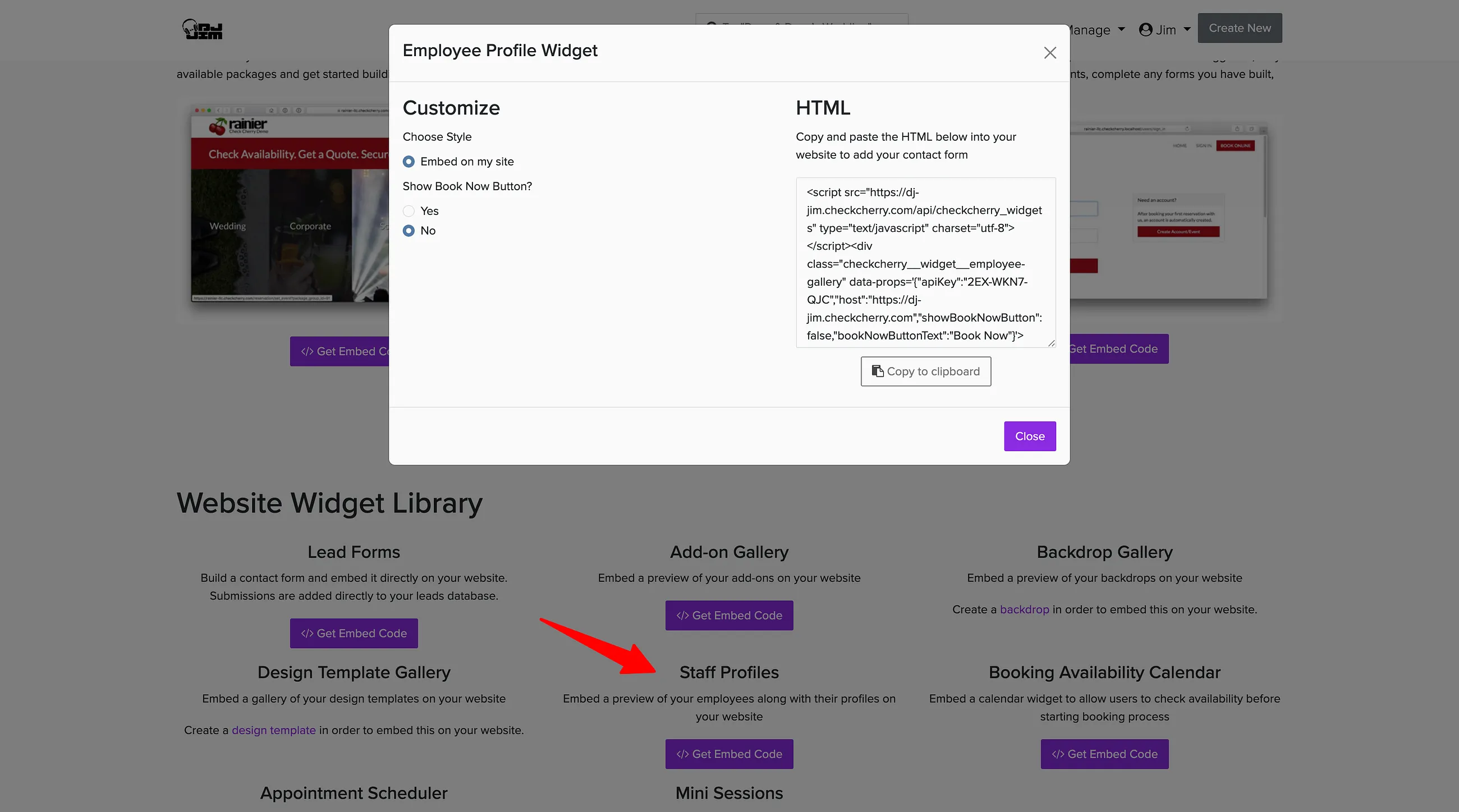
Find Staff Profiles and click Get Embed Code.
Decide whether to show Book Now buttons. Choose Yes if you want clients to book directly from the profiles, or No for display-only profiles.
Copy the embed code and paste it into your website where you want the staff profiles to appear.
If clients care about working with a specific team member you can include a staff selection step during the online booking process.