Most people who visit your website will leave without reaching out. A good call-to-action (CTA) tells visitors what to do next and makes it easy to take that step.
What Makes a CTA Effective?
- Use a contrasting color so the button stands out from the rest of the page.
- Keep the text short and action-oriented: "Book Now", "Check Availability", "Get a Quote".
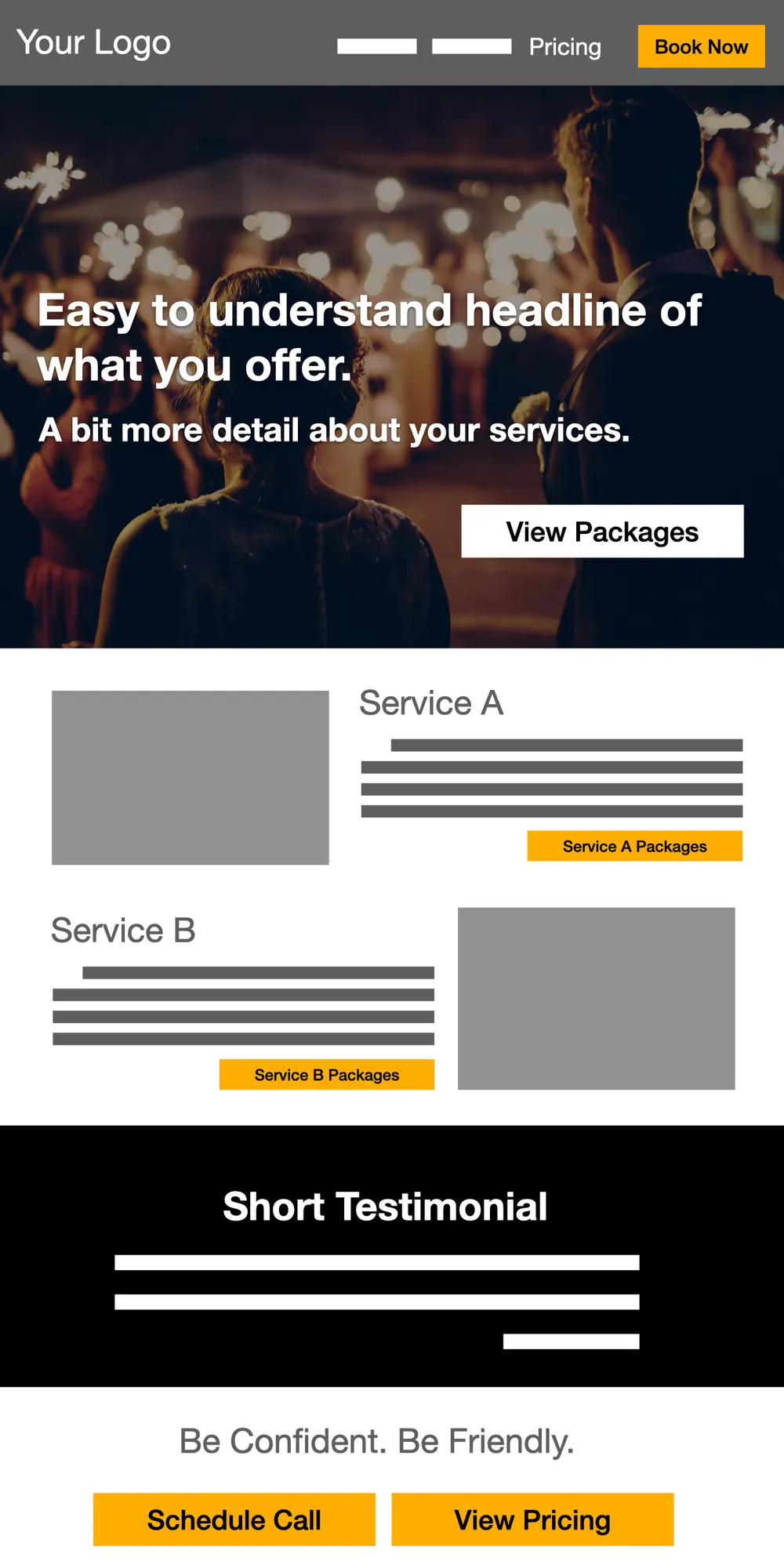
- Place the CTA where people naturally look: top right corner, after describing your services, and at the bottom of the page.
What to Avoid
- Avoid weak CTAs like "Contact Us" or "Learn More." These do not tell the visitor what will happen next.
- Do not use the same CTA text everywhere. Mix it up: "Book Now" at the top, "See Pricing" in the middle, "Check Availability" at the bottom.
- Do not hide your CTA. If someone has to scroll to find the button, many will leave before they get there.
Placement
Include a CTA at the top of each page so visitors see it immediately. Add more as they scroll, especially after key sections like pricing, testimonials, or package descriptions. Always include one at the bottom of the page.
Link your CTA buttons directly to your Check Cherry booking page. You can get the link from Website Integration.