Clients tend to see a text sooner than an email, which makes texting useful for reminders, questions, and quick confirmations. Quo is a business phone service that gives you a dedicated number for client texting. Once it's connected, Check Cherry can send text messages from that number instead of a personal cell phone.
Registering your business for texting
Before you connect anything, US carriers require businesses to register before they send texts from a business number. This is called A2P 10DLC registration, and Quo submits it for you after you provide your business details. It's a carrier requirement, not a Check Cherry or Quo one, and it exists to keep spam off the network.
Quo has two guides that walk through it: carrier registration overview and step-by-step registration. Read the overview first for the why, then use the step-by-step guide when you fill out the form.
Have your business details handy before you start. Registration typically asks for:
- Your legal business name and address
- A tax ID such as an EIN (Quo's guide explains options for sole proprietors)
- Your business website
- A short description of what you text clients about and how they agree to receive messages
Carriers look closely at how you collect consent. Keep your answers honest and specific, such as booking confirmations, event reminders, and replies to client questions. Vague or mismatched answers are a common reason registrations get sent back. You can review the text message language clients see in your Privacy settings.
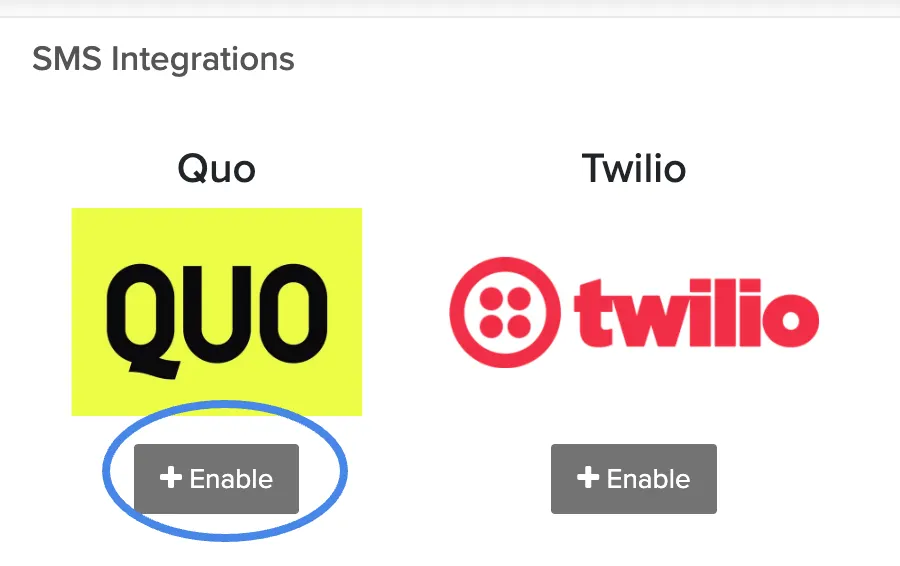
Connecting Quo to Check Cherry
You can connect Quo while your registration is pending. Just keep in mind that delivery may not be reliable until it's approved.
If texts aren't sending
Most delivery problems come back to a few causes:
- Your carrier registration is still pending or was sent back for changes. Check its status in Quo.
- The Quo number selected in Check Cherry isn't the one that was registered.
- The client's phone number is missing or entered incorrectly on their record.
If everything looks right and messages still aren't going out, reach out through chat (the chat bubble in the lower right) and we can look at your account with you.