Archiving or deleting a package, add on or extra stops it from being offered on new bookings. Existing bookings and proposals keep what they already have, including the price.
That holds for add-ons, packages, backdrops, and extras Staff work a little differently. Details for each are below.
If I archive or delete an add-on or extra
Existing bookings, proposals and leads keep the add-on or extra, with its name and price. You have two options:
- Archive: Reversible. Unarchive it any time.
- Delete: Permanent. There is no undo.
Cleaning up years of old add-ons? Bulk edit can archive or delete many at once.
If I delete a package, package group or service
Deleting one removes it from your catalog and from online booking. Existing bookings and proposals are unchanged.
- Deleting a service also removes the package groups and packages inside it.
- Deleting a package group also removes its packages.
- Deleting a package removes just that package.
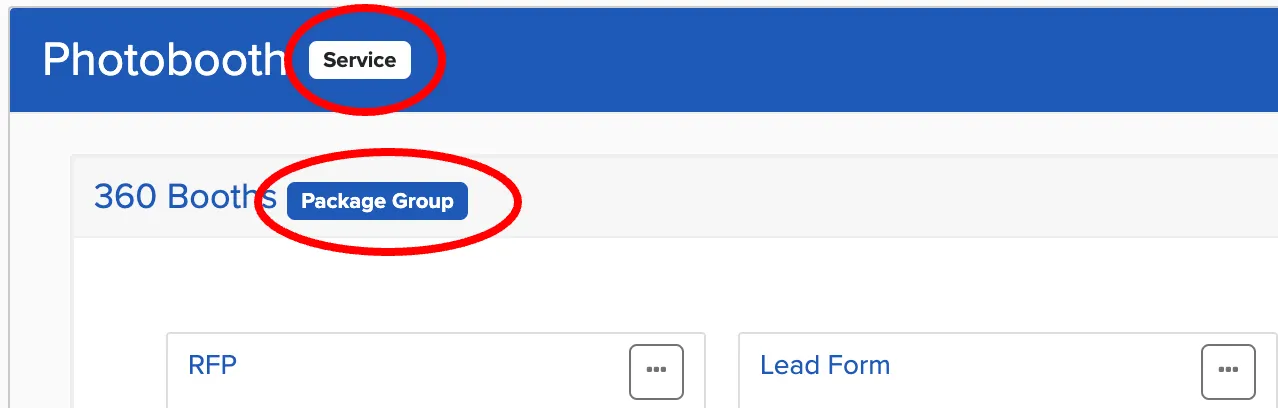
See How do I duplicate or delete a package? for where to find the delete links.
Why doesn't my change show up on an existing booking?
Existing bookings keep the add-on or package they were booked with. If you replaced it with a new one, anything tied to the new one, like a design collection, won't reach older bookings. Remove the old item from the booking and add the current one.
If I archive a staff member
Staff can't be deleted, only archived. That keeps your booking history intact. When you archive a staff member:
- They can no longer sign in.
- They stay on the bookings they were assigned to, marked Archived.
When someone leaves, reassign their upcoming bookings to someone else, then archive them. To bring someone back, go to Manage, User Accounts, open the Archived tab and unarchive them.
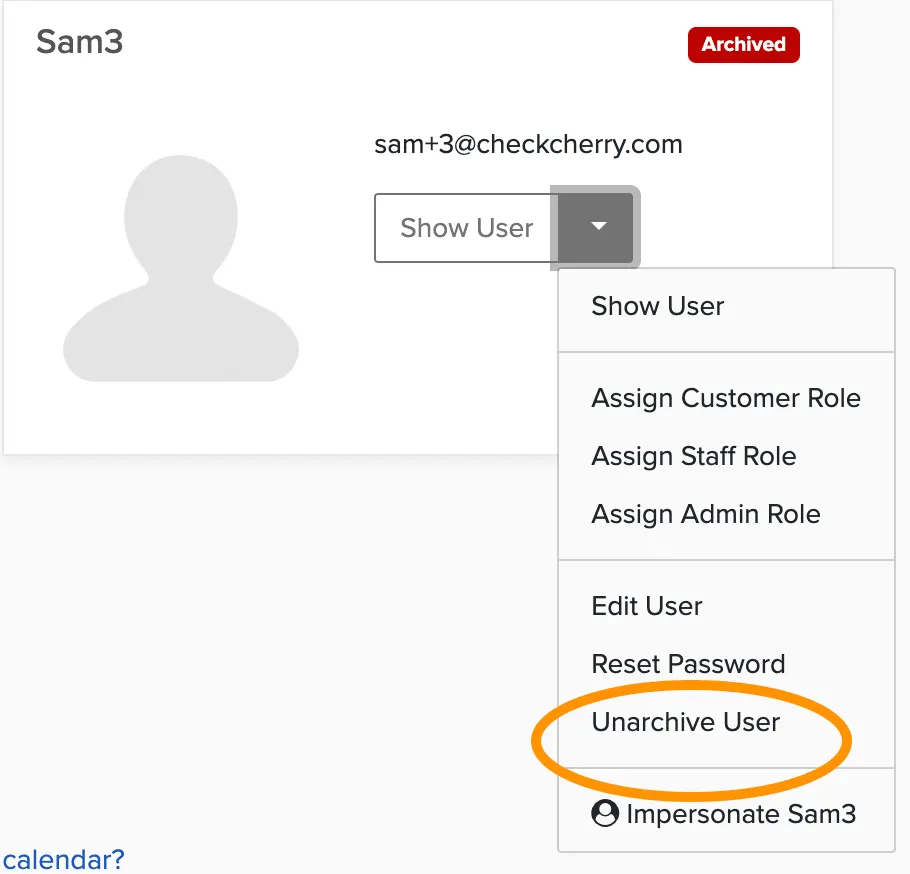
Why do I see "email is already taken" when adding a staff member?
An archived staff member still holds their email address. Unarchive the old user, change their email (you can just add a fake email like staff@example.com), and archive them again. The original email address is then free to use.
If I archive or delete something else
The same rule applies. Existing bookings are unchanged.
- Add-on and extra categories: Deleting a category also deletes everything inside it.
- Backdrops: Archive or delete.
- Design templates: Delete only.
- Discount codes: Deactivate or Delete. Bookings that already used the code keep their discount.
- Saved venues: Delete only. Bookings keep their venue details.