The artwork is ready and you want to let the client know. The design approval request email is what they receive when you upload their finished design. Customize it to match your voice.
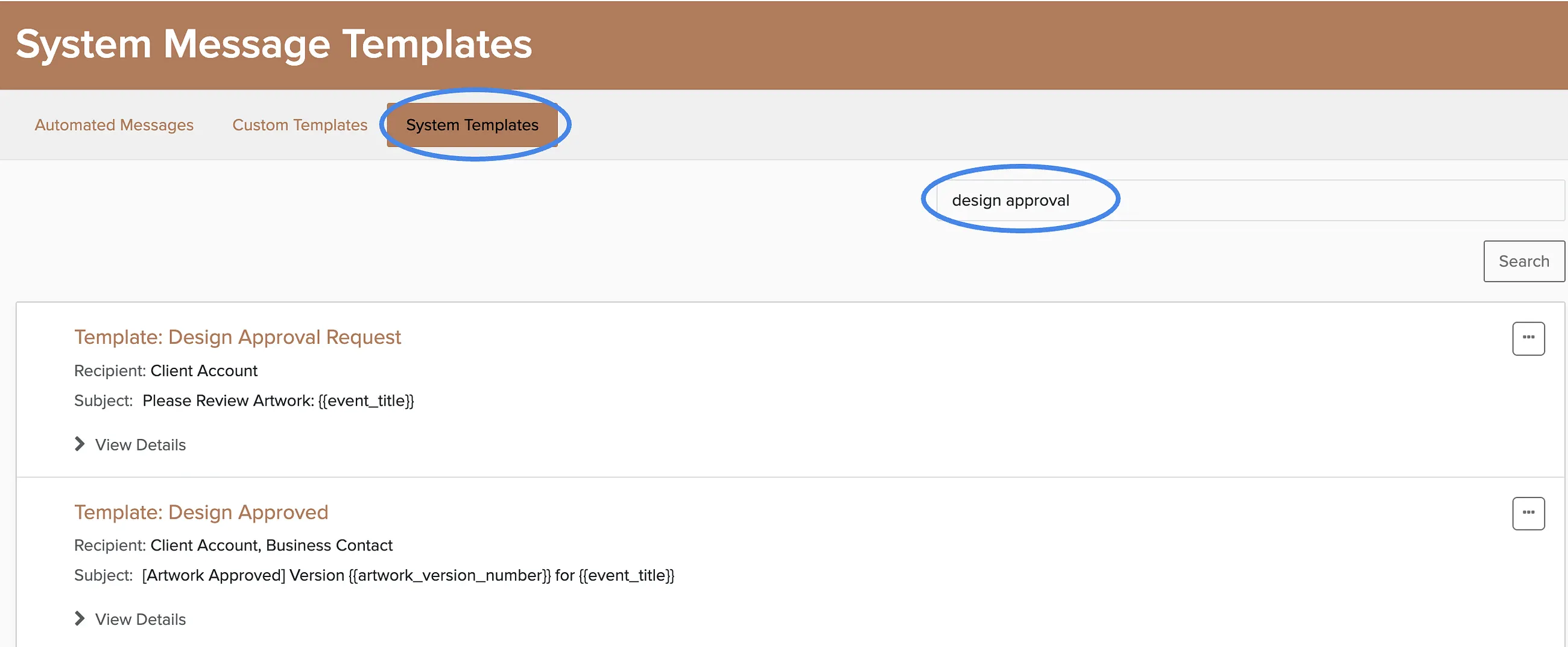
Manage → Automated Messages → System Templates
Go to System Templates.
Use the search bar to find the template quickly by typing "design approval".
Click Edit on the design approval template.
Customize the message and save your changes.
This email sends automatically when you upload a new design template to a booking. The client gets notified that artwork is waiting for their review and approval.