PB Backdrops offers a library of backdrop designs that sync into Check Cherry automatically. This lets you offer their designs without manually uploading each one.
Setting Up Your PB Backdrops Account
Go to widget.pbbackdrops.com.
Make sure the backdrops you want to import are checked.
Copy your API key.
Connecting to Check Cherry
Manage → Business Settings → Integrations
Click the Enable button on the PB Backdrops integration.
Enter the API key from your PB Backdrops account and click Save.
Depending on how many backdrops you have, it may take a few minutes for them to appear. Check Cherry syncs with PB Backdrops daily, but you can force a re-sync anytime from the Integrations page.
Setting Prices
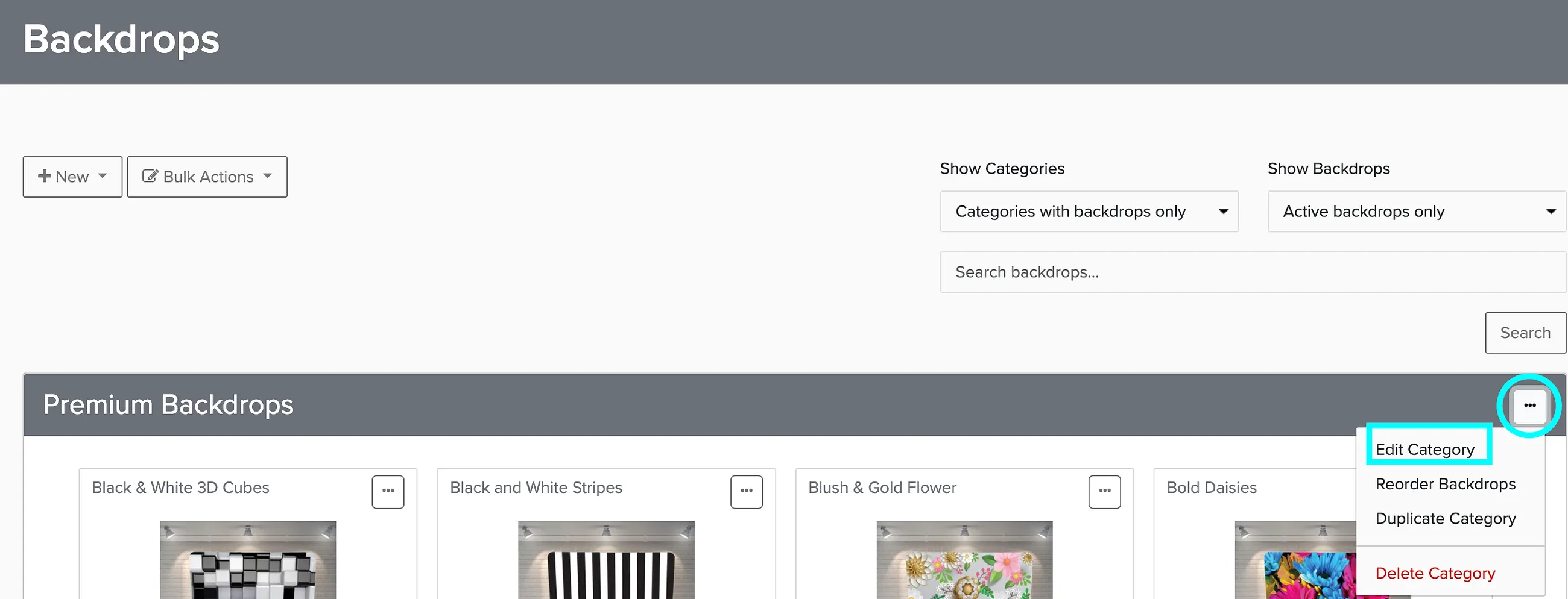
Once your backdrops are imported, the easiest way to set prices is to edit the backdrop category and assign a price that applies to all backdrops in that category.