If your Check Cherry calendar looks empty, it is usually a filter issue.
Check Your Filters
Sales → Calendar
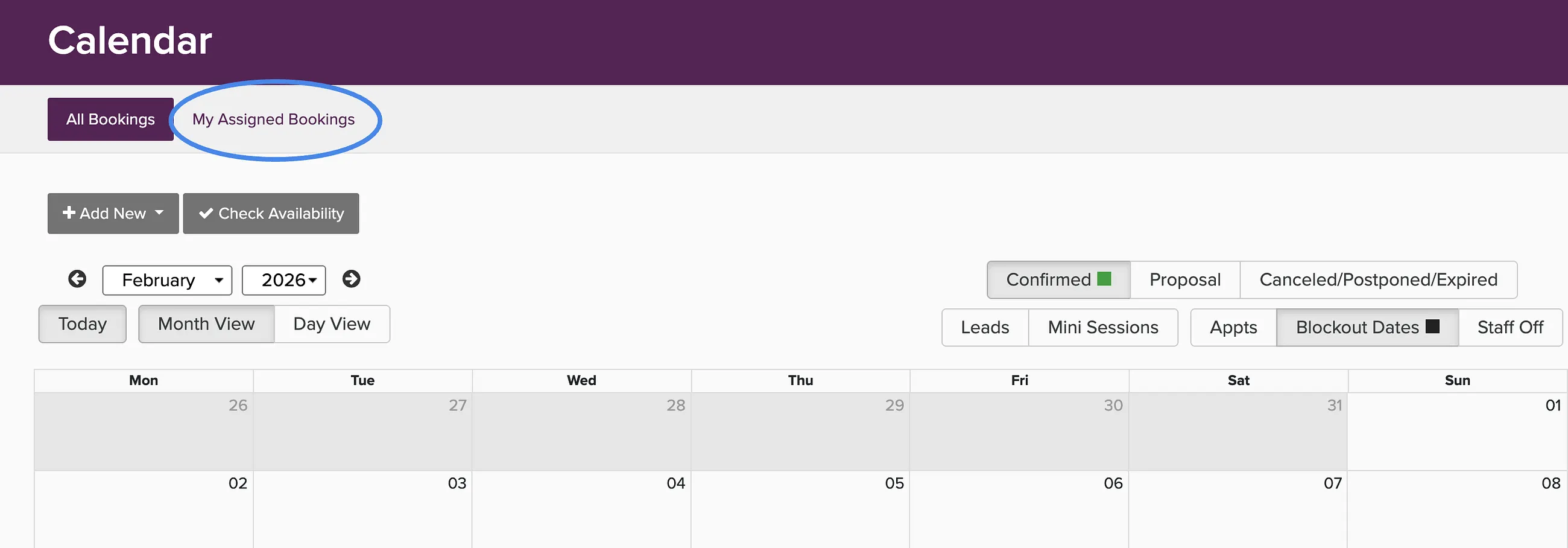
- Admin users see all bookings, proposals, and leads depending on the filter settings. Check the filters in the upper right.
- If you are an Admin with Staff permission, you will see the My Assigned Bookings tab as well. Make sure you haven't clicked on My Assigned Bookings.
- Check the filter buttons at the top right of the calendar to make sure bookings, proposals, or leads are not hidden.
Syncing with External Calendars
If you are looking for bookings on your personal calendar (Google, Apple, Outlook), make sure you have set up the calendar sync. See syncing the company calendar.