Each booking has a unique payment link that you can send to a client so they can make a payment without logging in.
Finding the Payment Link
Sales → Bookings → Select a booking → Make a Payment
Open the booking and go to the Make a Payment page.
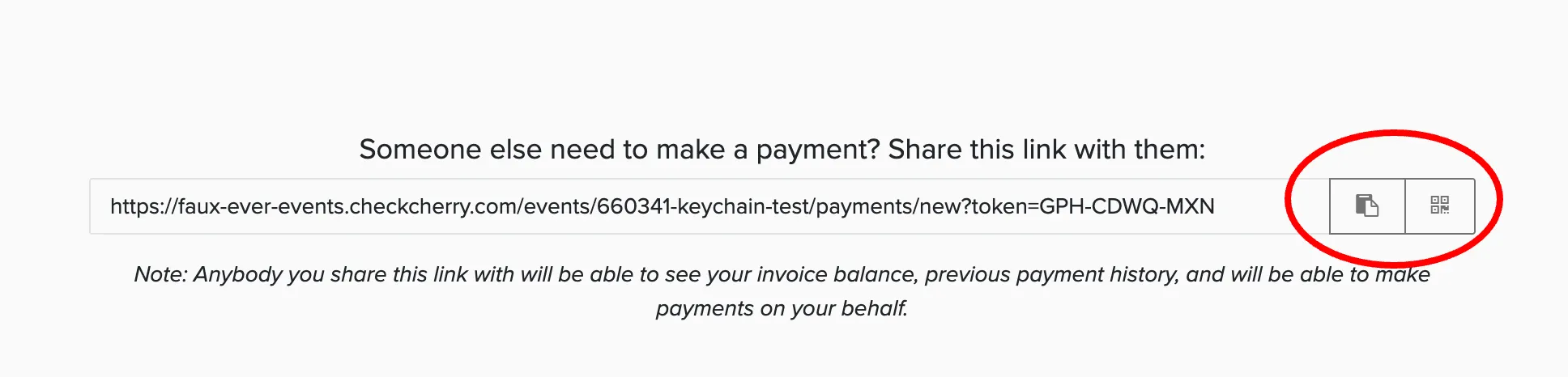
Scroll to the bottom to find the payment link.
Copy the link and send it to the client.
When the client clicks the link, they see the Make a Payment page for that booking where they can enter their card details and pay.
Payment Notifications
When a payment is recorded, both you and the client receive an email notification with a receipt and the remaining balance.
You can customize the payment notification email under Automated Messages in the System Templates tab.