Zapier connects Check Cherry to thousands of other apps - spreadsheets, CRMs, project managers, email marketing tools, and more. You can automate things like adding new bookings to a Google Sheet, creating a Trello card when a lead comes in, or tagging a contact in your email list when a contract is signed.
Zapier is a good fit if you want to connect Check Cherry to another tool without writing any code. It uses a visual workflow builder and works with thousands of popular apps out of the box. If you have a developer and need a more custom integration, Check Cherry also offers a direct API. But for most automations, Zapier is faster to set up and easier to maintain.
Setting Up the Integration
What you can automate
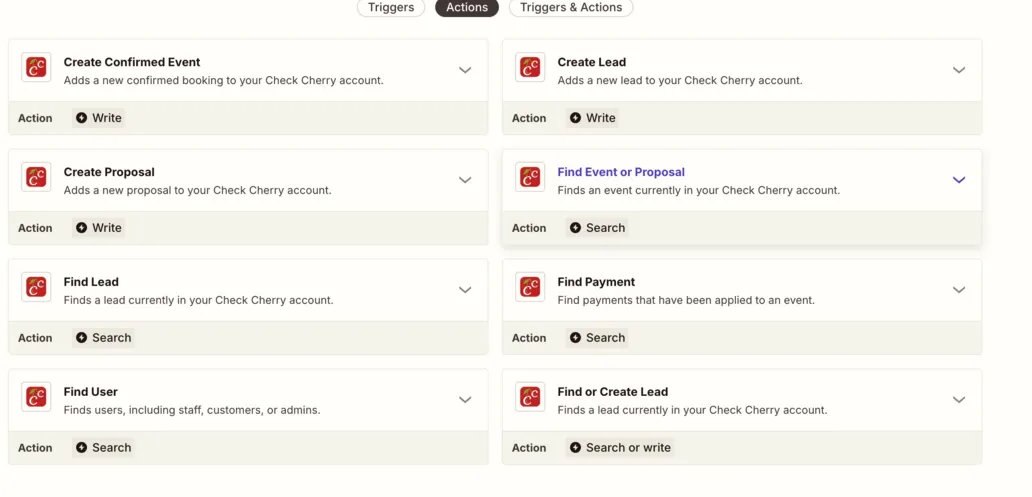
Check Cherry offers twelve triggers - the things that start a Zap, like a new lead or a recorded payment - along with actions that create leads, proposals, and bookings, and searches that look up records or check date availability.