After you create an account you can easily send them an invitation to finish setting up their account.
Sending the invitation
Alternately you can use the Quick Send button to send the Staff Invitation.
The invitation link
The email carries a one-time link. They click it, choose their own password, and land on their staff dashboard. The link dies once it is used, so it is not something they can pass along to a coworker who also needs access. That person gets their own invitation.
Customizing the invitation email
You can edit your invitation message if you'd like.
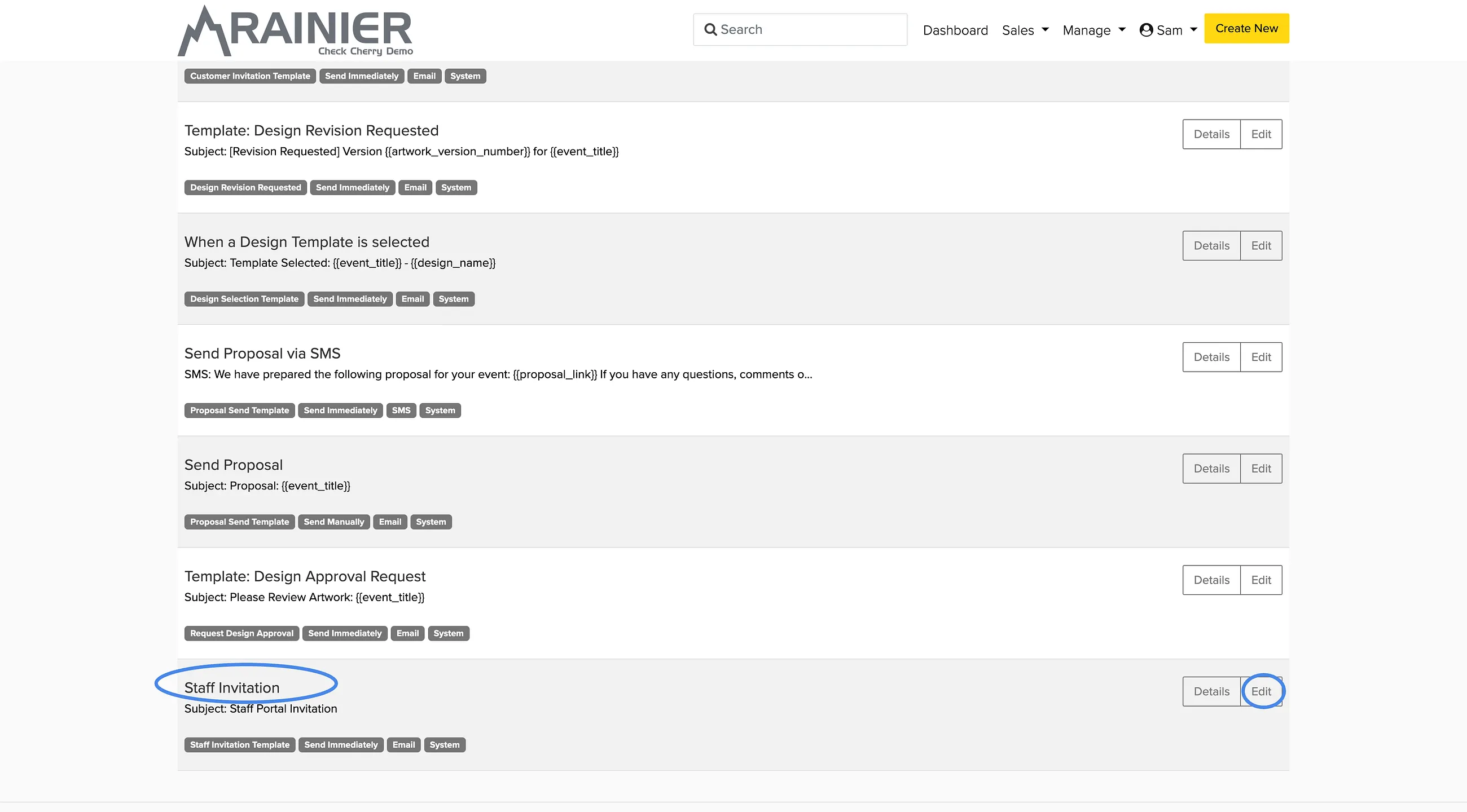
Leave {{invitation_link}} somewhere in the message. That is the link they click to set a password, and the template will not save without it. The sidebar lists the other merge fields you can use.
Inviting a client works a little differently, and staff with extended permissions can do it. See how do I invite a client to log in.