Some packages need backdrop selection (like photo booths), while others don't (like DJ or photography services). You can control this on a per-package basis so clients only see backdrop options when relevant.
Manage → Packages → (select package) → Advanced
Select the package you want to edit.
Click the Advanced tab.
Scroll down to the Backdrops section.
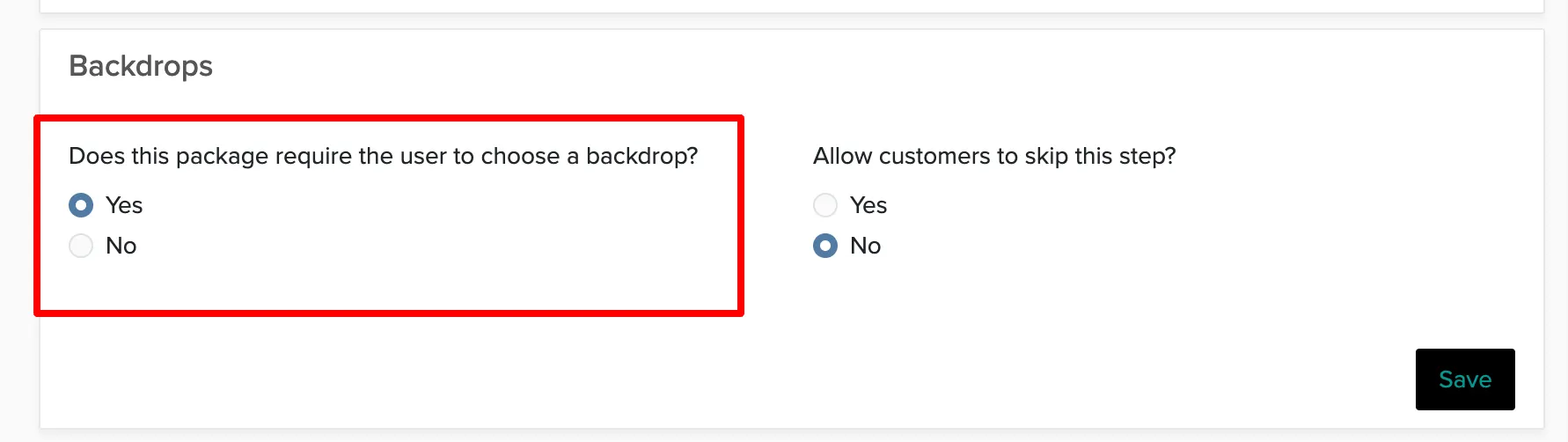
Change the setting to No under "Does this package require the user to choose a backdrop?"
This only affects online booking. When creating proposals manually, you can still add backdrops to any package regardless of this setting.