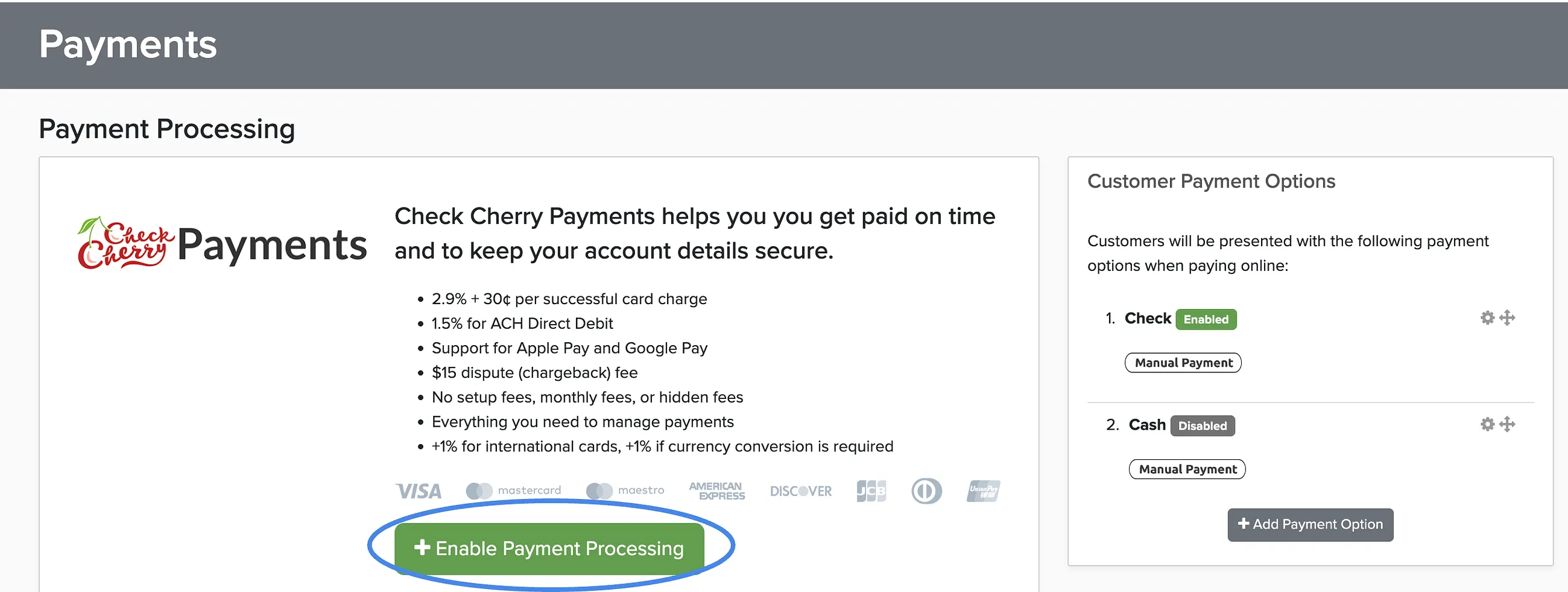
Credit card processing fees for Check Cherry Payments are 2.9% + $0.30 per transaction. You can choose to absorb these fees or pass them on to clients as a separate line item.
Enabling Check Cherry Payments
If you haven't set up credit card processing yet, you'll need to enable Check Cherry Payments first.
Manage → Payment Settings
Go to Payment Settings.
Click Enable under Check Cherry Payments.
Passing Fees to Clients
You can optionally pass the processing fee to the client. If enabled, the fee appears as a separate line item on their invoice, so they see exactly what they're paying for the convenience of using a credit card.
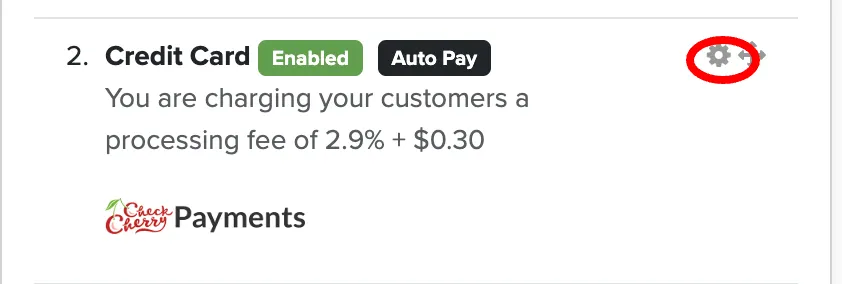
In Payment Settings, click the settings gear next to your credit card method.
Enable Pass processing fees to customer.
Save your changes.
Most businesses absorb the processing fees to keep pricing simple, but passing them on is common in industries where clients expect to pay card fees.